Share new articles automatically with RSS feeds
Connect a blog, news site or YouTube channel and SolMarrow posts each new article for you, automatically or as drafts.
RSS feeds share each new article from a blog, news site or YouTube channel on your social accounts.
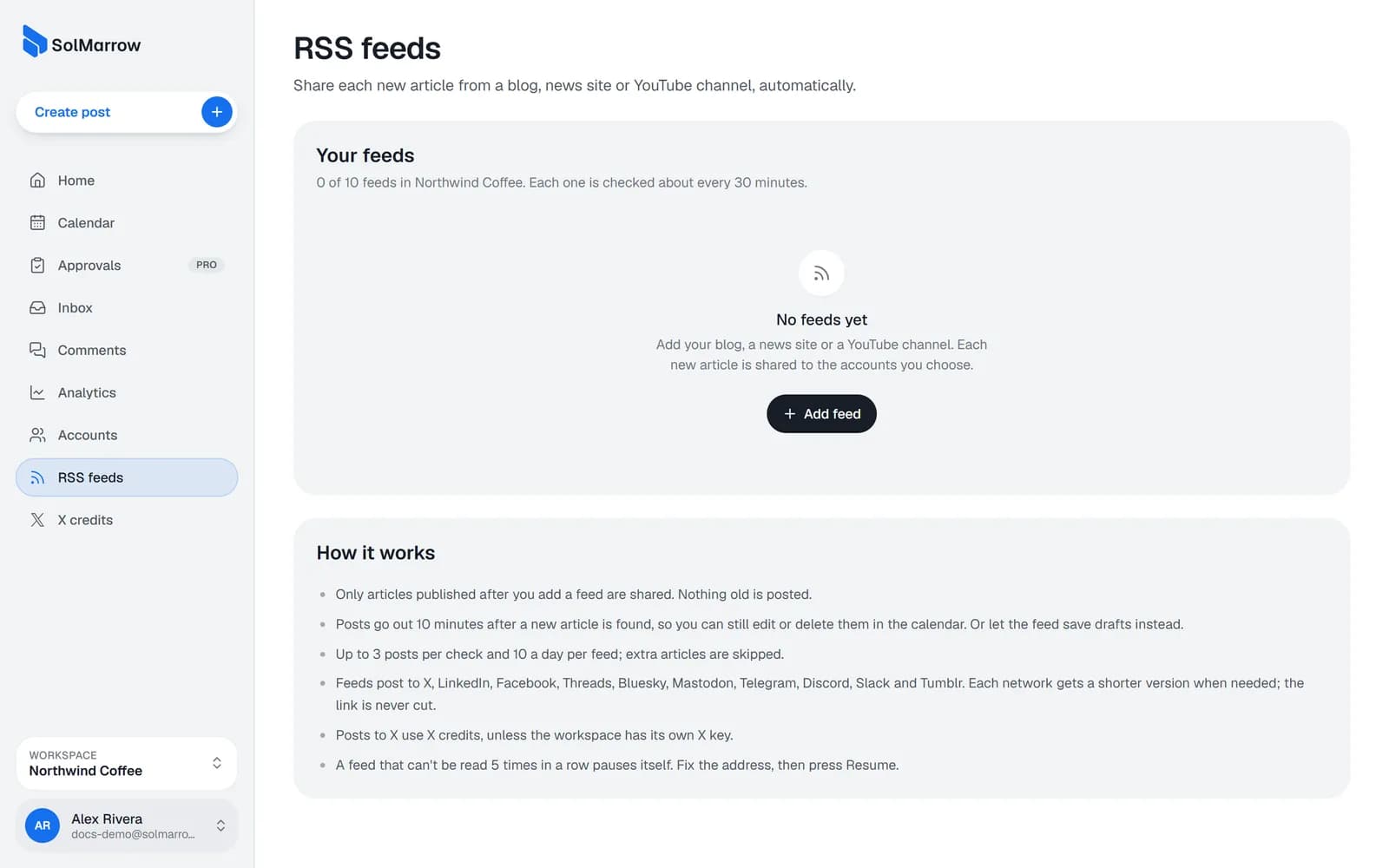
Add a feed
- Open RSS feeds in the sidebar.
- Paste the site's address. SolMarrow finds its feed.
- Choose the accounts to post to.
- Choose what happens when a new article appears:
- Post it automatically: scheduled 10 minutes after it's found, so you can still edit or delete it in the calendar.
- Save as a draft: you review it and choose when it goes out.
- Save. The first check records what the feed already holds; only new articles are shared, nothing old is posted.
What gets posted
- The article title, the first lines the feed gives, and the link.
- Each network gets a shorter version when needed; the link is never cut.
- Feeds post to X, LinkedIn, Facebook, Threads, Bluesky, Mastodon, Telegram, Discord, Slack and Tumblr.
- Posts to X use X credits, unless the workspace has its own X key.
Limits and safety
- Up to 3 posts per check and 10 a day per feed; extra articles are skipped.
- A feed that can't be read 5 times in a row pauses itself. Fix the address, then press Resume.
- Removing a feed keeps the posts it already made.
Best practices
- Start with drafts for a new feed, then switch to automatic once you like the format.
- Post a YouTube channel's feed to Telegram, Discord and X to announce every new video.
- Don't add the same feed twice to one account; people would see each article twice.
Still need help? Email support@solmarrow.com. A person reads every message and answers within 1 business day.