Client review links
Share posts with a client through a link. They approve or request changes without a SolMarrow account, and you see their feedback in the post.
A review link lets a client see upcoming posts and approve them or ask for changes, without creating a SolMarrow account. Review links are included in Free and Pro.
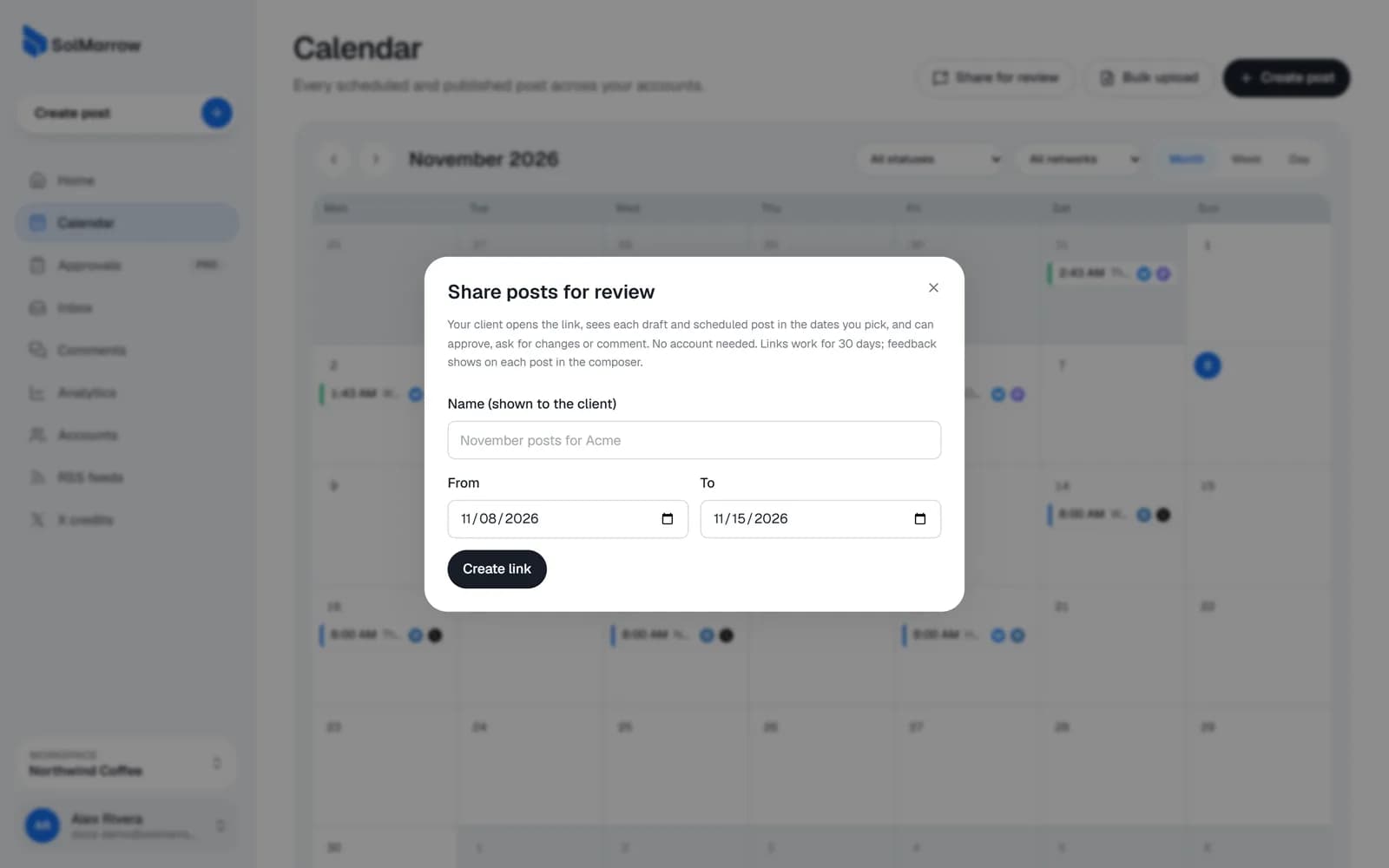
Share posts for review
- Open the Calendar and click Share for review.
- Choose the posts and give the link a name, for example "November posts for Acme".
- Create the link. It is copied so you can paste it to your client.
What your client sees
- The posts with their text, media, accounts and planned times.
- For each post, Approve or Request changes, with an optional comment.
Their answer shows in the composer under Client feedback for that post.
Turn a link off
In Share for review, under Active links, turn a link off when you no longer need it. Links also expire after 30 days.
Best practices
- One link per batch (a week or a month), with a clear name.
- Share before the posts are due, so there is time for changes.
- Turn links off after the client has answered.
Still need help? Email support@solmarrow.com. A person reads every message and answers within 1 business day.