Profile, email, password and theme
Change your name, sign-in email or password, and switch the dashboard between light, dark and system theme.
Open Settings → General.
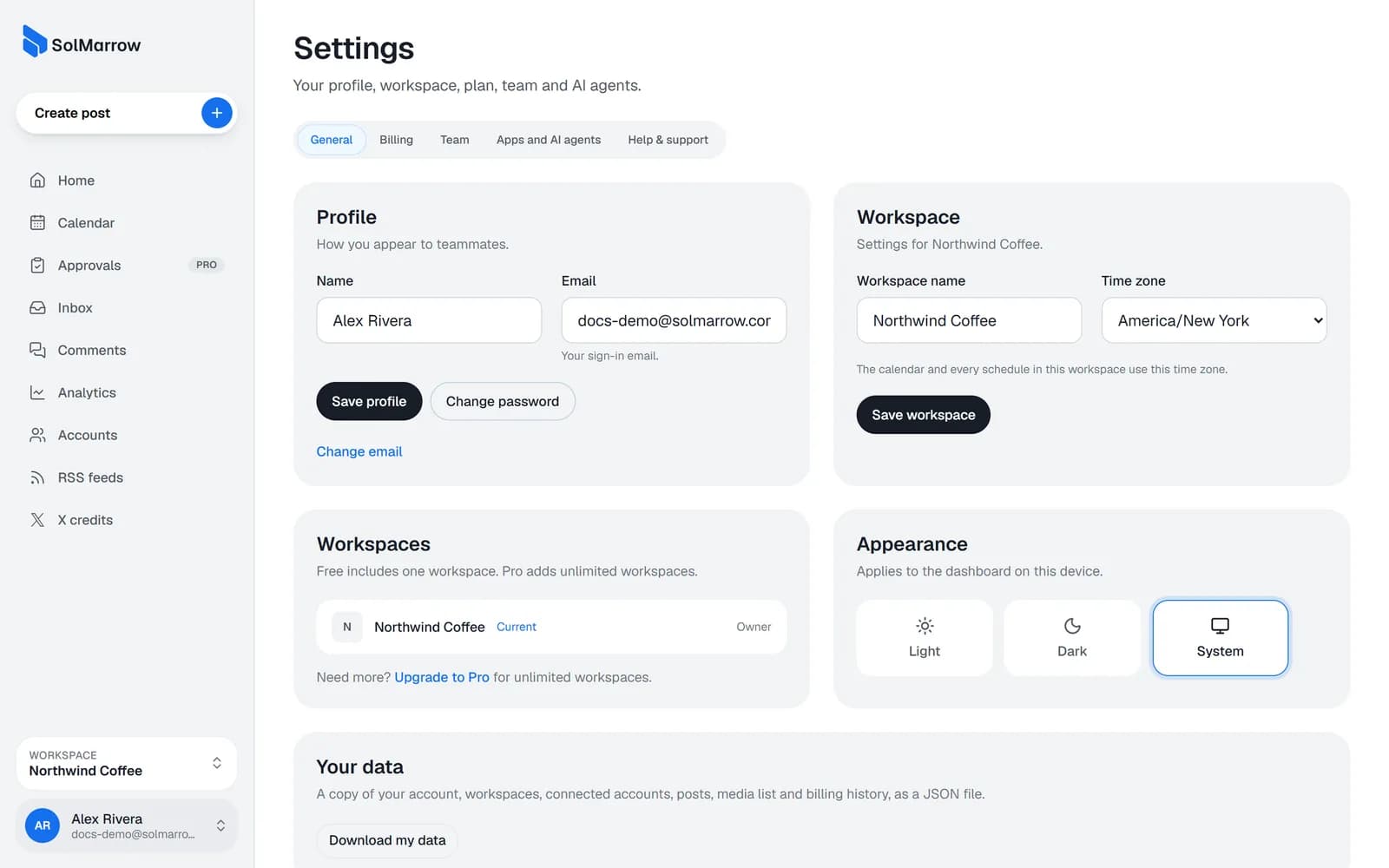
Profile
- Name: how you appear to teammates.
- Email: your sign-in email. When you change it, we send a confirmation link to the new address; it changes when you open the link.
- Password: send yourself a reset link to choose a new one.
Theme
Choose light, dark or system for the dashboard on this device. You can also switch it from the account menu.
Workspace
The owner or an admin can rename the workspace and change its time zone here. See Workspaces.
Still need help? Email support@solmarrow.com. A person reads every message and answers within 1 business day.