Analytics: measure your results
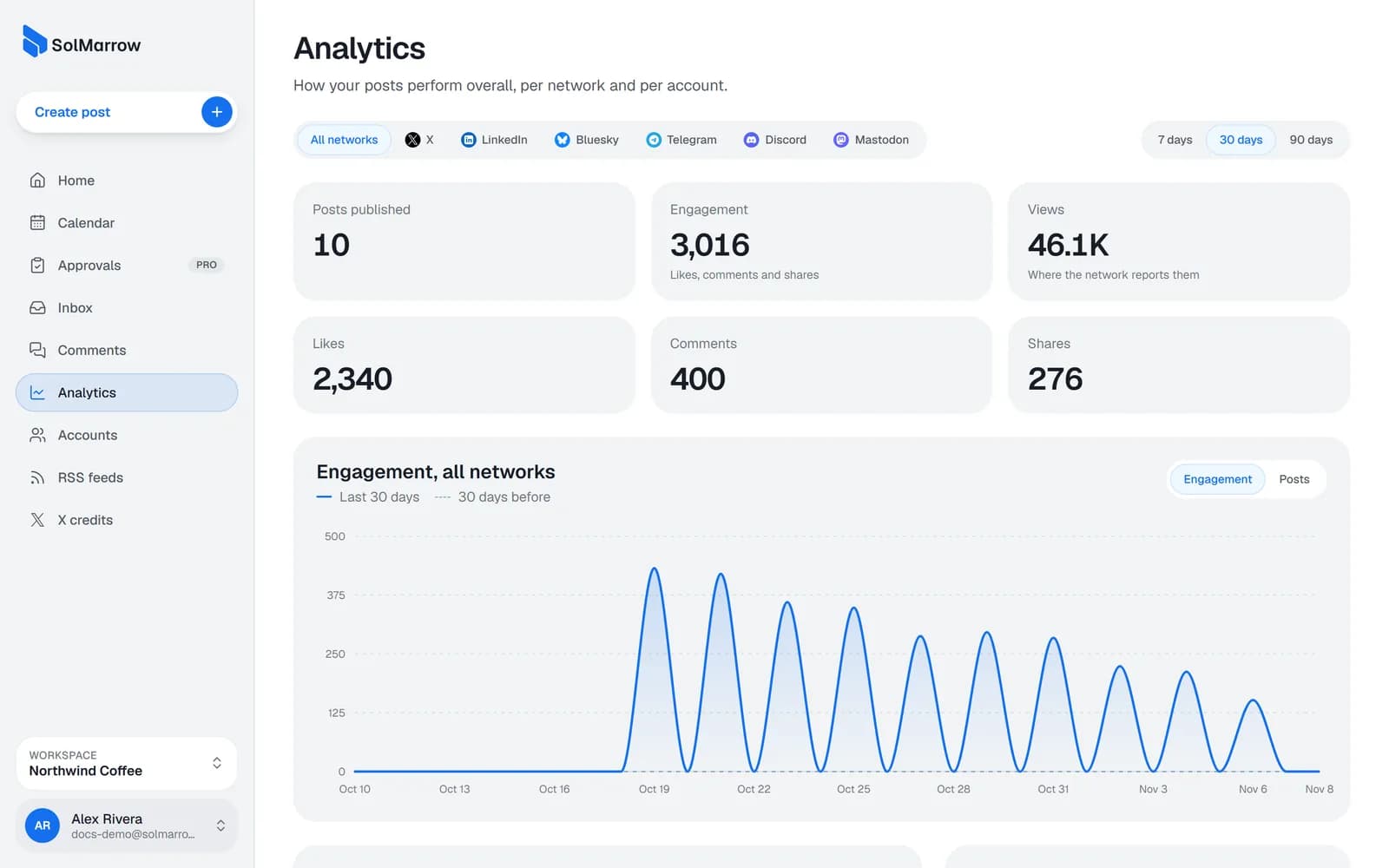
See likes, comments, shares and views for your published posts, per network and per account, for the last 7, 30 or 90 days.
Analytics shows how your posts perform overall, per network and per account.
Note: Post numbers come today from Bluesky, Instagram, YouTube, Mastodon, DEV. More networks are added as their APIs allow it.
Read your numbers
- Open Analytics in the sidebar.
- Choose the period: 7, 30 or 90 days.
- See posts published, likes, comments, shares, views and total engagement.
- Click a network for its accounts and posts, then an account for its posts by engagement.
Numbers sync every few hours. A note shows when the data was last updated and if an account needs reconnecting.
Best practices
- Compare like with like. Compare a network with itself over time, not X with LinkedIn.
- Look for patterns. Which topics, formats (image, video, text) and times get the most engagement?
- Do more of what works. Every month, keep your top three post types and drop the weakest one.
Still need help? Email support@solmarrow.com. A person reads every message and answers within 1 business day.