How to Build a Social Media Calendar for Multiple Brands
Build a social media calendar for multiple brands with separate approvals, clear time zones, reusable fields and a weekly scheduling routine.
Planning6 min read
A social media calendar for multiple brands should give your team one view of the week's work without mixing up clients. You need to know which brand owns each post, where it will publish, who approved it and whether it actually went live.
You can build this in a spreadsheet, project board or scheduler. Start with the structure before choosing the software. A complicated calendar will not fix unclear responsibilities.
Set up a separate brand record
Create a simple profile for each brand with its audience, voice, approved assets, destination accounts, publishing timezone and authorized reviewer. Keep account access separate and use official platform permissions where available.
A bakery, a consultancy and a fitness studio may all use Instagram, but their goals, offers and content rules differ. Do not copy a generic caption between them without checking those details.
Use the same essential fields
A shared format makes it possible to scan the entire week and filter to one client.
| Field | Example | Purpose |
|---|---|---|
| Brand | Northside Bakery | Prevent wrong-account posts |
| Network | Instagram Business | Identify destination |
| Goal | Weekend preorders | Connect post to an outcome |
| Format | Photo carousel | Check media compatibility |
| Draft | Caption and asset link | Identify reviewed version |
| Local time | Saturday, America/Chicago | Avoid timezone confusion |
| Approver | Store manager | Assign responsibility |
| Status | Client Review | Prevent premature scheduling |
| Live URL | Added after publishing | Confirm delivery |
| Result | Qualified order inquiries | Support reporting |
Avoid unnecessary columns. If a field does not help someone make a decision, it may not belong in the everyday view.
Keep approval and publishing statuses distinct
A draft is not an approval, and a scheduled post is not proof of publication. Use a consistent sequence:
- Idea: concept is proposed.
- Draft: caption and assets are prepared.
- Internal Review: team checks accuracy and brand fit.
- Client Review: client examines a specific version.
- Changes Requested: edits are needed.
- Approved: final version is authorized.
- Scheduled: publishing tool accepted the time.
- Published: actual post is verified.
- Failed or Held: a problem needs attention.
Record the reviewer and approval time where possible. If a price, image or important claim changes, seek approval for the revised version. For a full review process, see how to set up a client approval workflow.
Build a master calendar and client views
Use one master view grouped by brand, with filters for date, status and owner. Each client should have a dedicated view showing only their content.
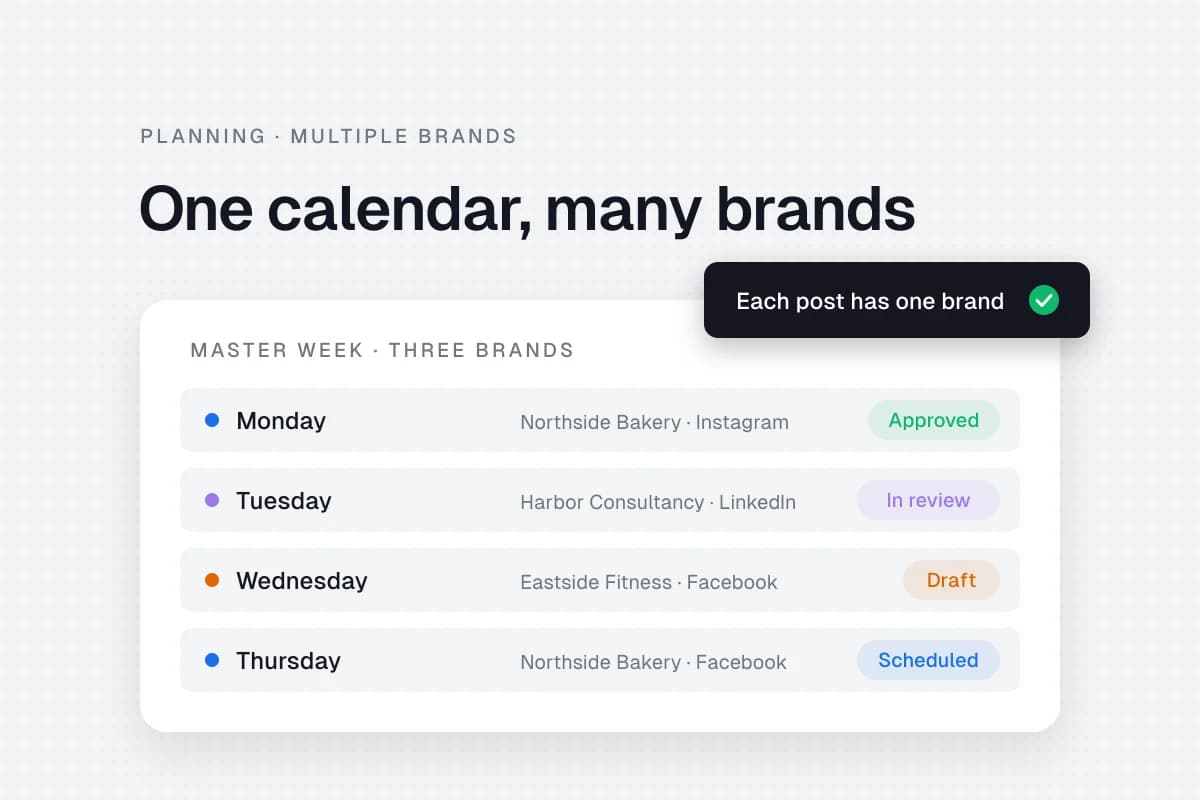
An illustrative week:
| Day | Brand and account | Post | State |
|---|---|---|---|
| Monday | Northside Bakery · Instagram Business | Preorder reminder | Approved |
| Tuesday | Harbor Consultancy · LinkedIn personal | Answer a client FAQ | In Review |
| Wednesday | Eastside Fitness on Facebook | Class timetable | Draft |
| Thursday | Northside Bakery · Facebook Page | Pickup instructions | Scheduled |
| Friday | Harbor Consultancy · LinkedIn company | Industry explanation | Approved |
These are sample entries, not recommended posting frequencies or actual client data. Give each account its own destination and owner even when several brands share a campaign theme.
Respect local timezones
If your clients operate across US regions, use named timezones such as America/New_York and America/Los_Angeles. Do not permanently convert a recurring local-time request into a fixed UTC offset without accounting for daylight saving.
Store the intended local date and time alongside the scheduled timestamp. Confirm what timezone the scheduler displays and check the first published result. The IANA Time Zone Database maintains the location-based rules used by many applications.
Batch production without losing each brand's voice
A repeatable weekly routine can help:
Monday: Check promotions, launches, upcoming events and previous publishing failures.
Tuesday: Draft posts in brand-specific batches, keeping each style guide and media folder open.
Wednesday: Send exact versions for review with a clear response deadline.
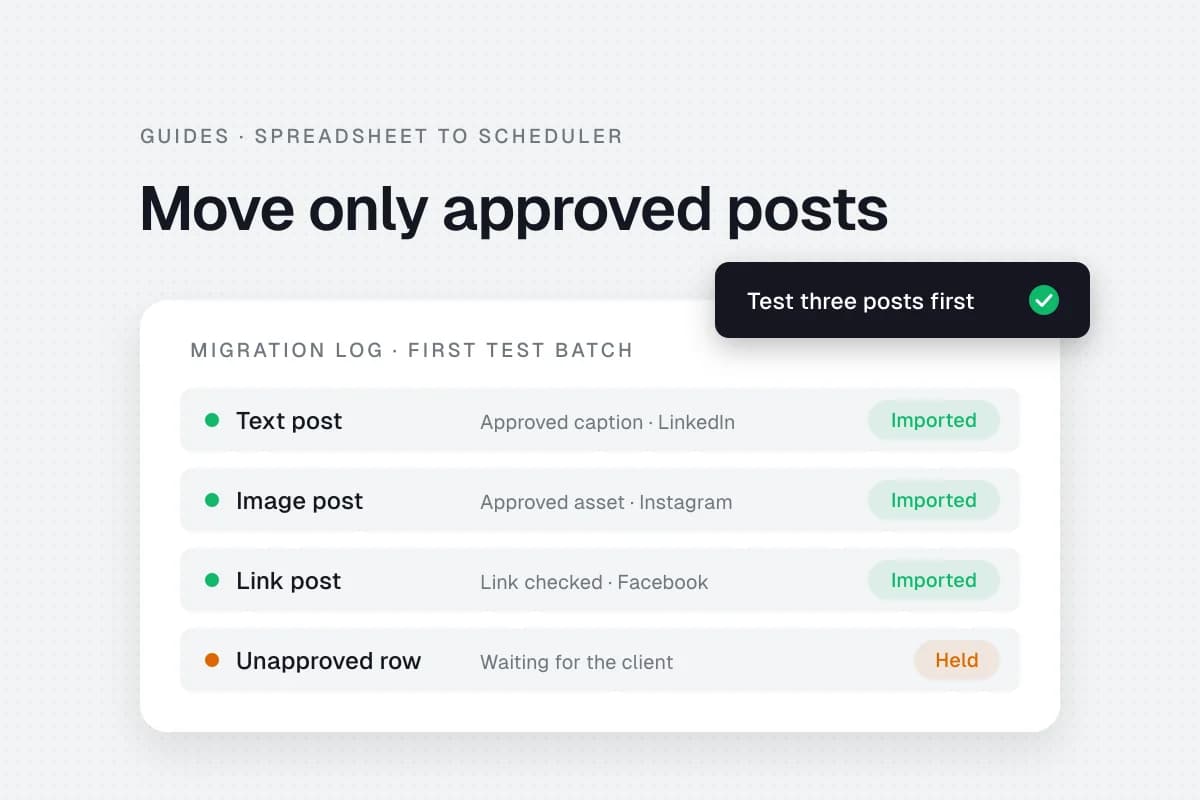
Thursday: Schedule only approved posts after checking accounts, links, media and timezones.
Friday: Verify published posts and review results with each client.
This is an example workflow. A restaurant with daily specials may need daily updates, while a professional-services brand can approve several weeks of content together.
Manage shared campaigns carefully
A seasonal campaign can share a central brief and deadline while maintaining separate captions, images, local offers and approvals for each brand. Use a parent campaign record to link the related posts.
For example, a holiday campaign might have the same visual theme for three stores. Each location still needs the correct address, opening hours and promotion terms. Never assume a shared campaign means one identical post is safe for every account.
Decide when a scheduler helps
A spreadsheet may be enough for a small team. A scheduler becomes useful when account switching, approvals, previews and publication verification take too much time.
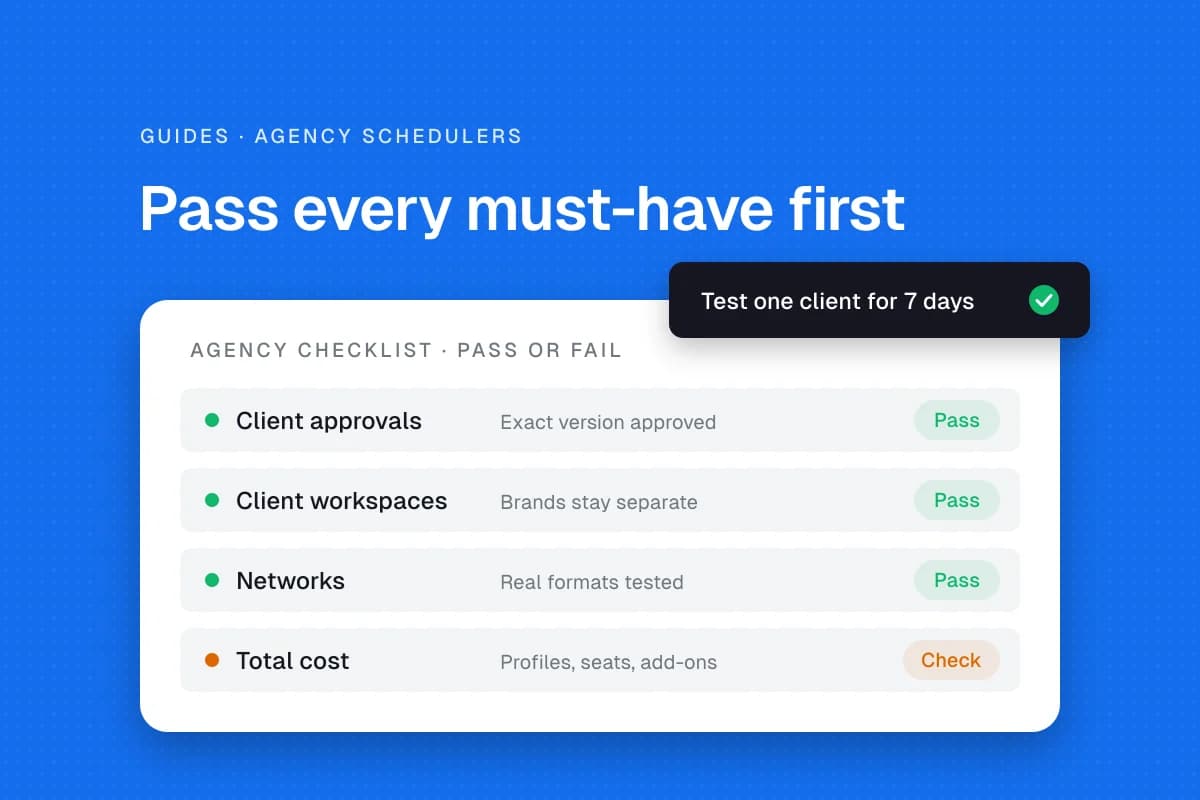
Check whether the tool provides separate workspaces, role-based permissions, network-specific previews, scheduling, failed-post alerts, client reports and suitable storage limits. Our guide on how to choose a social media scheduler for your agency walks through that evaluation.
In SolMarrow, the Free plan covers one workspace with unlimited posts, the calendar, drafts, CSV upload and client review links. Pro costs $10 a month and adds unlimited workspaces, so each brand can have its own workspace and time zone, plus team invites and post approvals. See Free and Pro plans and using SolMarrow as an agency.
For a simpler starting point, see the small-business content calendar template. For scheduling across regions, see the timezone scheduling guide.
Check every publishing batch
Before clicking Schedule, confirm:
- Correct brand and exact account.
- Latest approved caption and media.
- Accurate prices, offers and deadlines.
- Audience-local date and timezone.
- Working destination links.
- Supported media dimensions and formats.
- Someone responsible for comments or urgent changes.
- A plan to verify the live post.
A five-minute review can prevent a visible client mistake.
Report per brand, not as one combined number
A single combined engagement total can hide a struggling client account. Track publishing completion, relevant reach and engagement, clicks and inquiries separately for each brand.
Use each social network's own analytics documentation when defining impressions, engagement and clicks. For example, LinkedIn's official Page analytics overview describes the available page metrics. Those measures alone do not establish sales attribution. To connect a post with customer inquiries, compare tracked website visits and CRM records, and state any gaps in attribution. Approval turnaround and revision counts can also reveal workflow delays.
Frequently asked questions
Should each brand have a separate calendar?
Each should have a clear dedicated view and approval history. A master calendar can still coordinate the agency's workload.
Can I reuse the same post across brands?
Reuse ideas when relevant, but check the claims, offers, links and voice for each audience. Maintain separate approvals when details differ.
How can I avoid publishing to the wrong account?
Label each draft with its brand and destination, separate assets and require a final preview check. Managing several clients? See how to manage multiple client social media accounts.
What happens when a client misses the approval deadline?
Follow the agreed policy. Hold sensitive or promotional content rather than treating silence as approval.
Sources
- SolMarrow plans, checked November 20, 2026.
- SolMarrow pricing, checked November 20, 2026.
- IANA Time Zone Database, location-based timezone rules.
The best multi-brand calendar keeps four things visible: the owner, the destination, the approved version and the verified result.