How to Choose a Social Media Scheduler for Your Agency
Choose a social media scheduler for your agency with a practical checklist for client approvals, account access, reporting, supported networks and real costs.
Guides6 min read
Choosing a social media scheduler for an agency is about more than filling a posting calendar. A tool can handle dozens of accounts and still slow your team down if clients cannot review drafts, permissions are confusing or publishing failures are hard to spot. Start with the work your agency actually does, then test that workflow before paying.
Map your agency's real requirements
Count clients, connected profiles, editors, reviewers, planned posts, media storage and monthly reporting obligations. Include the exact account types. A LinkedIn personal profile and company page may not have identical publishing support.
| Requirement | Question to answer |
|---|---|
| Clients | Does each brand need its own workspace? |
| Accounts | Are the exact networks and profile types supported? |
| Reviewers | Can clients approve without full publishing access? |
| Team | Are roles, seats and permissions included? |
| Publishing | Can you see failures and verify a live post? |
| Reporting | Can you export client-specific metrics? |
| Costs | Which limits grow with accounts, users or brands? |
An agency handling five clients with four profiles each should price a twenty-profile workflow, not a single-account starter plan.
Test the approval process first
Client approval often creates more friction than drafting. The process should show the exact caption, media, network preview and planned date, and record who approved which version.
Run this test before selecting a platform:
- Create a draft for one authorized client account.
- Invite a reviewer with the minimum required access.
- Ask for a change and revise the draft.
- Confirm that the revised version, not the old one, is approved.
- Schedule the post and verify its public destination.
- Check that a second client's materials remain separate.
A review link without a login may be convenient for a small client. Larger organizations may need named approvers, multiple stages or an audit trail. Check whether those features are available on the actual plan you intend to buy. Our client approval workflow guide covers the process in detail.
Planable emphasizes content collaboration and approvals. Hootsuite offers social management and team controls. These are examples to investigate, not endorsements or claims that every feature is available on their cheapest plans.
Confirm each network and format
A vendor logo is not proof that your client's post format works. Test the exact account type and media you publish: images, videos, carousels, Stories, text posts and any required links.
A scheduler may offer direct publishing for one format and require manual completion for another. Keep a fallback process and assign someone to check the final post. Never treat “scheduled” as “published.”
Ask how the tool handles expired connections, rejected media, duplicate retries and last-minute cancellations. These details matter when a client is paying you to deliver posts on time.
Protect client accounts
Clients should retain ownership of their social accounts. Use official delegated roles or authorized connections where available, rather than collecting passwords in a spreadsheet.
Verify that editors see only their assigned brands, that client reviewers cannot publish to unrelated accounts, and that access can be revoked when a contract ends. Use multifactor authentication and document offboarding.
Separate client workspaces are useful only when the permissions and assets are genuinely isolated. Test the separation with an account that has limited rights. For more on this, see how to manage multiple client social media accounts.
Calculate the total cost
A headline price rarely tells the full story. Different vendors charge by profile, workspace, user or plan tier. Some charge separately for advanced approvals, reports, storage or specific networks.
| Pricing component | Your calculation |
|---|---|
| Profiles | Number of actual connected accounts |
| Workspaces | Number of clients needing separation |
| Seats | Editors, managers and reviewers |
| Media | Expected image and video storage |
| Reporting | Export and branding requirements |
| Network extras | Any published per-post or API charges |
According to SolMarrow's pricing page, the Free plan includes one workspace with unlimited posts, the calendar, drafts, CSV upload and client review links that let a client approve without an account. Pro costs $10 a month and adds unlimited workspaces, team invites and post approvals, which is what an agency running one workspace per client needs. Posting to X needs X credits or your own X developer key, and some networks still wait for platform approval. SolMarrow's plan documentation and agency setup guide list the details. These are vendor-published descriptions, not independent performance tests.
Decide how much reporting and inbox coverage you need
If your agency sells scheduling only, a shared calendar and basic analytics may be enough. If you promise community management, you need to confirm direct-message, comment and mention coverage for each specific network.
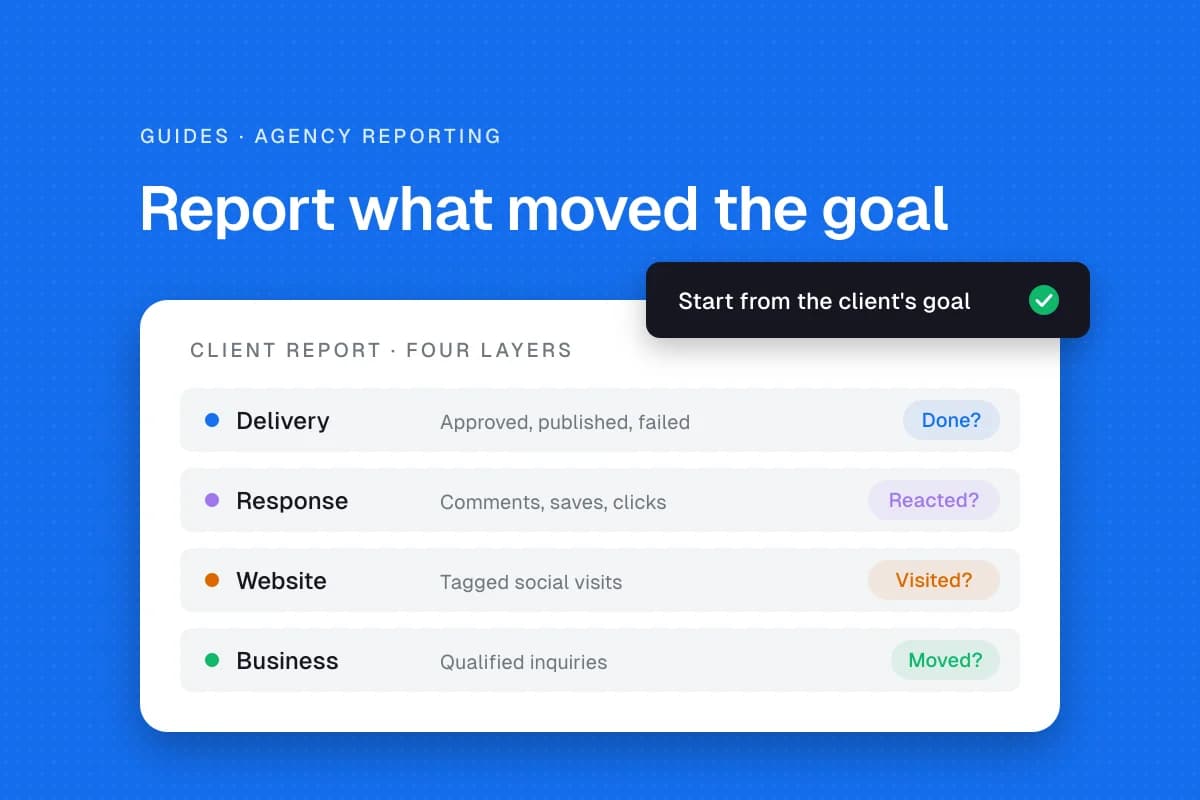
Ask for sample reports showing reach, engagement, clicks and time periods. Distinguish platform metrics from actual inquiries or revenue. A social report cannot prove a sale happened because of a post unless attribution evidence supports it.
Also track approval delays, revisions and publishing failures. Those operational measures help you price client work realistically.
Run a seven-day evaluation
Spend a week testing one authorized client, not your entire client roster.
- Day 1: Connect accounts and verify access.
- Day 2: Prepare different post formats.
- Day 3: Test a real approval and revision.
- Day 4: Schedule a post with a named timezone.
- Day 5: Confirm the actual published result.
- Day 6: Review reporting and export options.
- Day 7: Calculate the complete cost and document missing features.
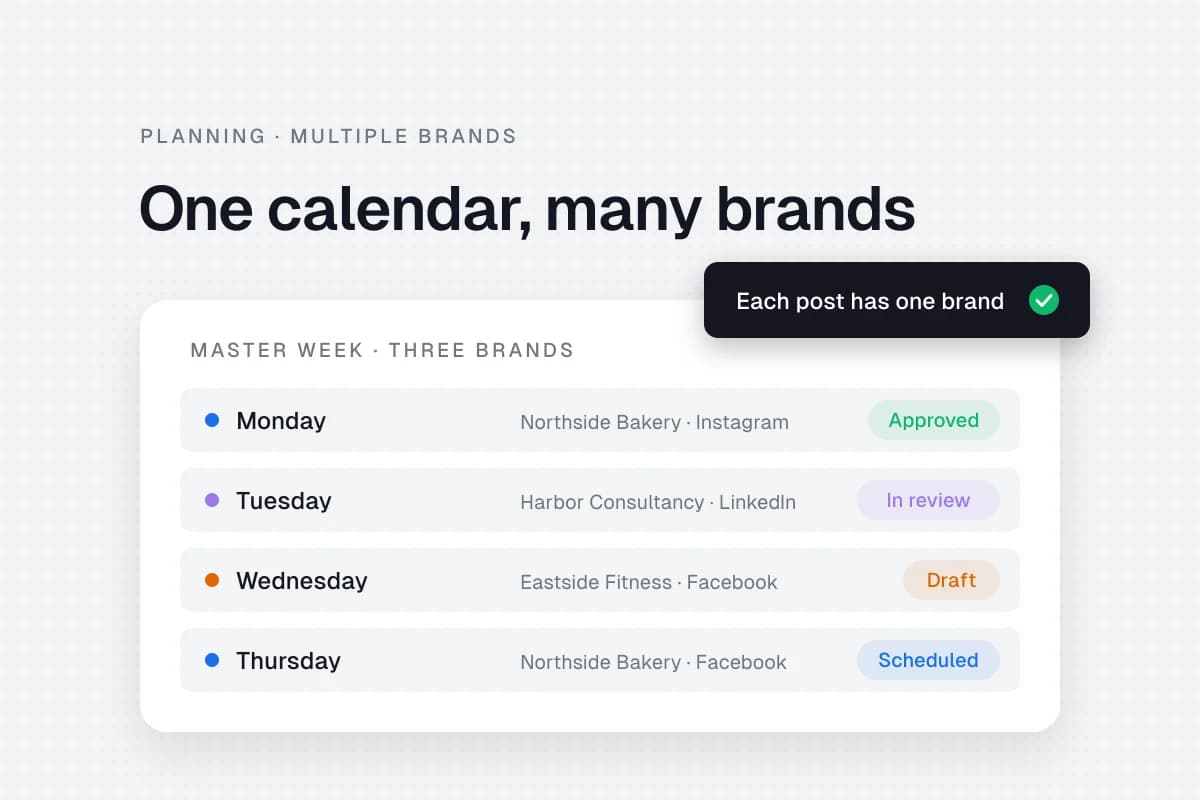
The goal is to find problems while they are still small. A short trial cannot prove long-term reliability, but it can expose workflow gaps. Once you have chosen, build a social media calendar for multiple brands to organize the work.
Choose based on verified priorities
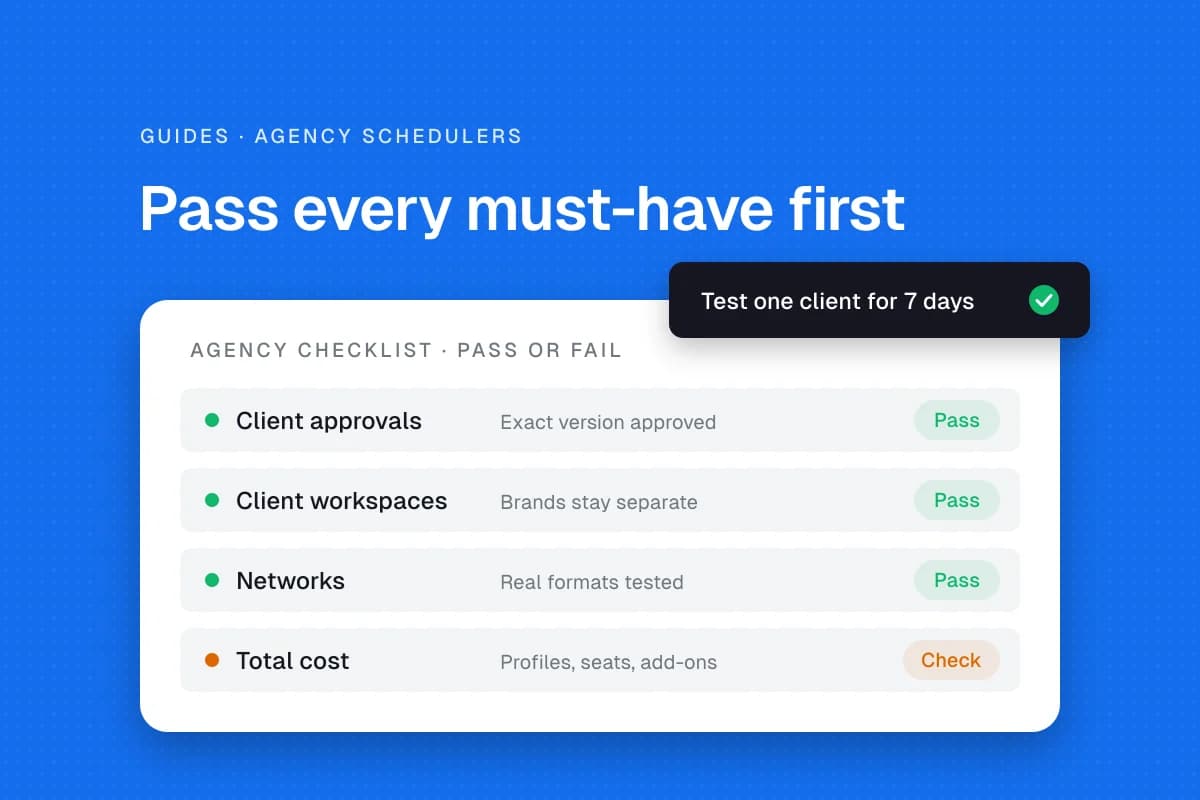
You can compare products against the same criteria: network and format support, approvals and permissions, publishing reliability, reporting, and total cost. Decide which requirements are essential for your clients before looking at optional extras. A simple pass/fail column for each must-have is often more useful than an arbitrary numerical score.
Do not choose the highest total score if the product fails a non-negotiable requirement. An agency with mandatory client approvals cannot safely substitute a cheaper plan that has none.
Common mistakes
Comparing entry prices only. Calculate the full client roster.
Assuming all supported networks behave the same. Verify account types and media formats.
Sharing credentials casually. Use proper delegated access.
Ignoring publication failures. Confirm the public result before reporting delivery.
Overbuying features. Start with the bottlenecks you can actually identify.
Frequently asked questions
What matters most in an agency scheduler?
For many multi-client teams, reliable publishing, account separation and approvals matter more than the raw number of integrations. Your contracts determine the priorities.
Can a free scheduler work for an agency?
It can support a small operation. Check the exact limits on workspaces, users, approvals, storage and supported formats.
Should I move all clients to one tool immediately?
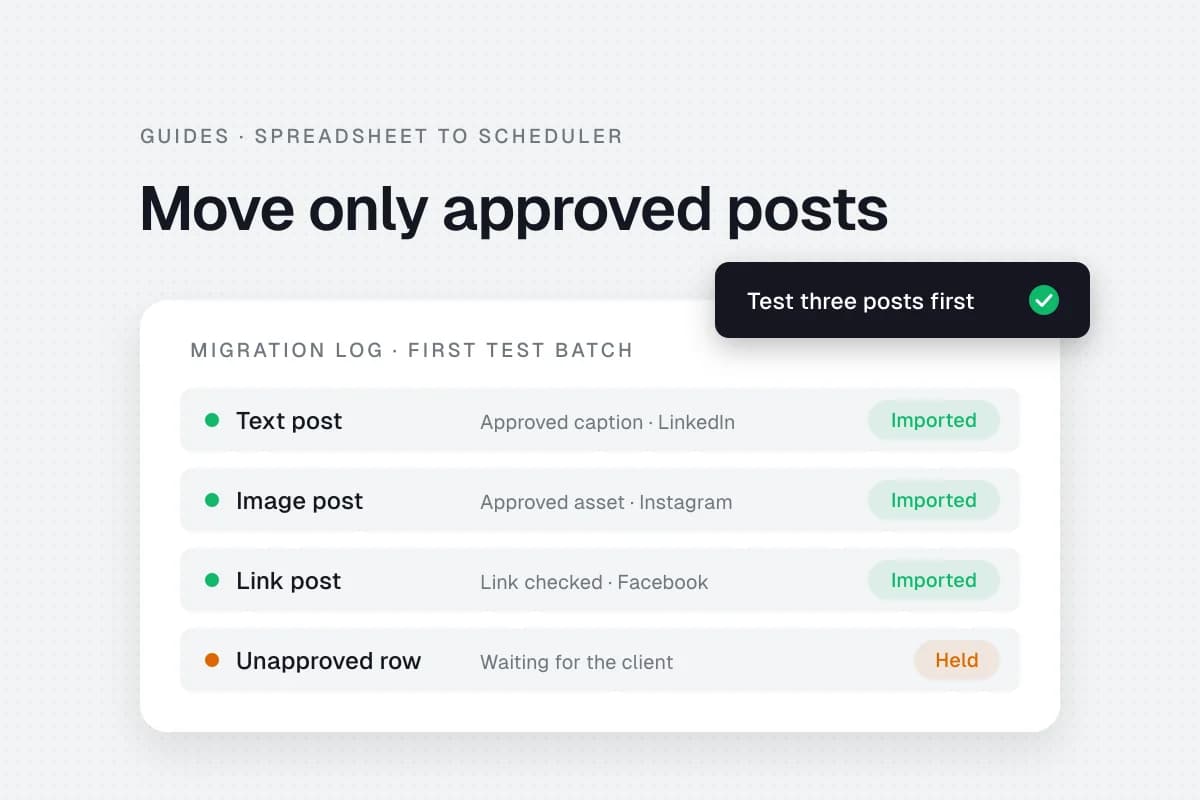
Test one authorized account and approval workflow first. Migrate only after you understand the limitations and recovery process.
How do I compare costs fairly?
Use the same numbers of clients, profiles, team members and reviewers for every vendor, then include add-ons.
Sources
- SolMarrow pricing and plan details, checked November 20, 2026.
- SolMarrow plan documentation, checked November 20, 2026.
- Planable and Hootsuite official product websites for current workflow evaluation.
A good scheduler makes the real client workflow clearer and safer. Test that workflow, not just the feature list.