How to Create a Client Approval Workflow for Social Media
Build a simple social media client approval workflow with clear roles, review deadlines, version control and safe publishing handoffs.
Guides7 min read
A social media post can be beautifully designed and still create a problem if the wrong person approves it, a client reviews an outdated version, or someone changes the offer after sign-off. Freelancers and small agencies often discover this when they add their second or third client. The content calendar grows, but the approval process stays in scattered emails and chat messages.
A reliable social media client approval workflow does not have to be complicated. Every post needs one place to review it, a named decision-maker, a clear deadline and a record of exactly what was approved. Once those basics are in place, scheduling becomes much less stressful.
Start with one question: who can say yes?
Before drafting a month's content, agree with the client on who has final authority. A founder may approve everything. A larger business might ask a marketing manager to review tone and a legal colleague to check regulated claims. Those are different roles.
Document the responsibilities in the onboarding brief.
| Role | Responsibility | Decision |
|---|---|---|
| Creator | Writes captions and prepares images | Submits draft |
| Internal reviewer | Checks accuracy, voice and links | Requests edits or recommends approval |
| Client approver | Confirms the specific final version | Approves or rejects |
| Publisher | Schedules only approved versions | Confirms publication |
One person can hold more than one role. The important part is that no one has to guess whose answer counts.
For a small local business, a single client approver is usually easier than creating a three-stage chain. A healthcare, financial or regulated client may need additional specialist review based on its actual obligations. Do not treat a generic marketing checklist as legal approval.
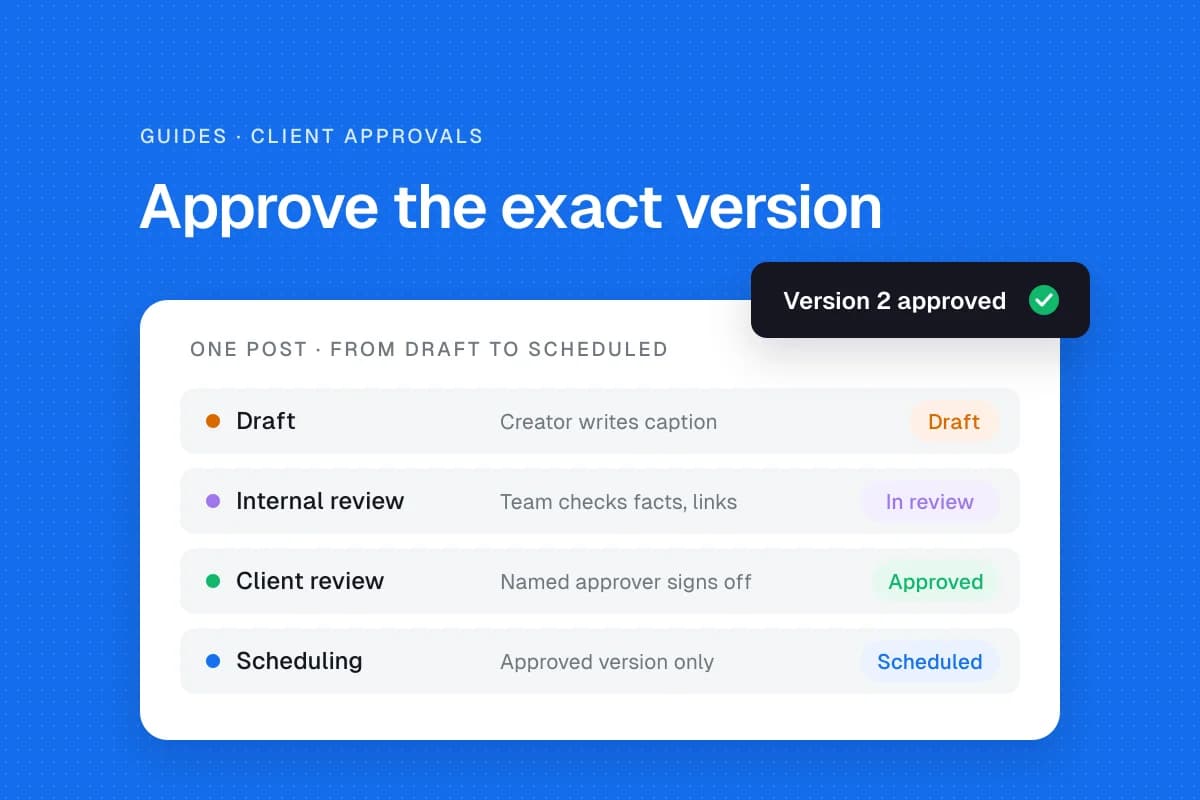
Give every post a simple status
Use a content calendar with a limited set of states:
- Draft: The creator is still working.
- Internal review: The team checks the content before the client sees it.
- Client review: The client has a specific version to approve.
- Changes requested: Feedback has been received, but the post is not approved.
- Approved: The client has accepted the exact caption, visual, link and intended date.
- Scheduled: The approved version has been entered into the publishing tool.
- Published or failed: The actual result has been checked.
Avoid using “Done” for everything. A finished caption is not a scheduled post, and a scheduled post is not proof that the platform published it.
Hootsuite's June 2026 approval-workflow guide describes the same underlying progression from creation through review and sign-off. Its main lesson is practical: unclear ownership, scattered feedback and edits after approval create avoidable problems.
Build a review-ready post record
A client should be able to understand the post without hunting through several documents. Keep the following together:
- Client name and exact social account
- Caption and hashtags
- Image, video or carousel preview
- Destination link and call to action
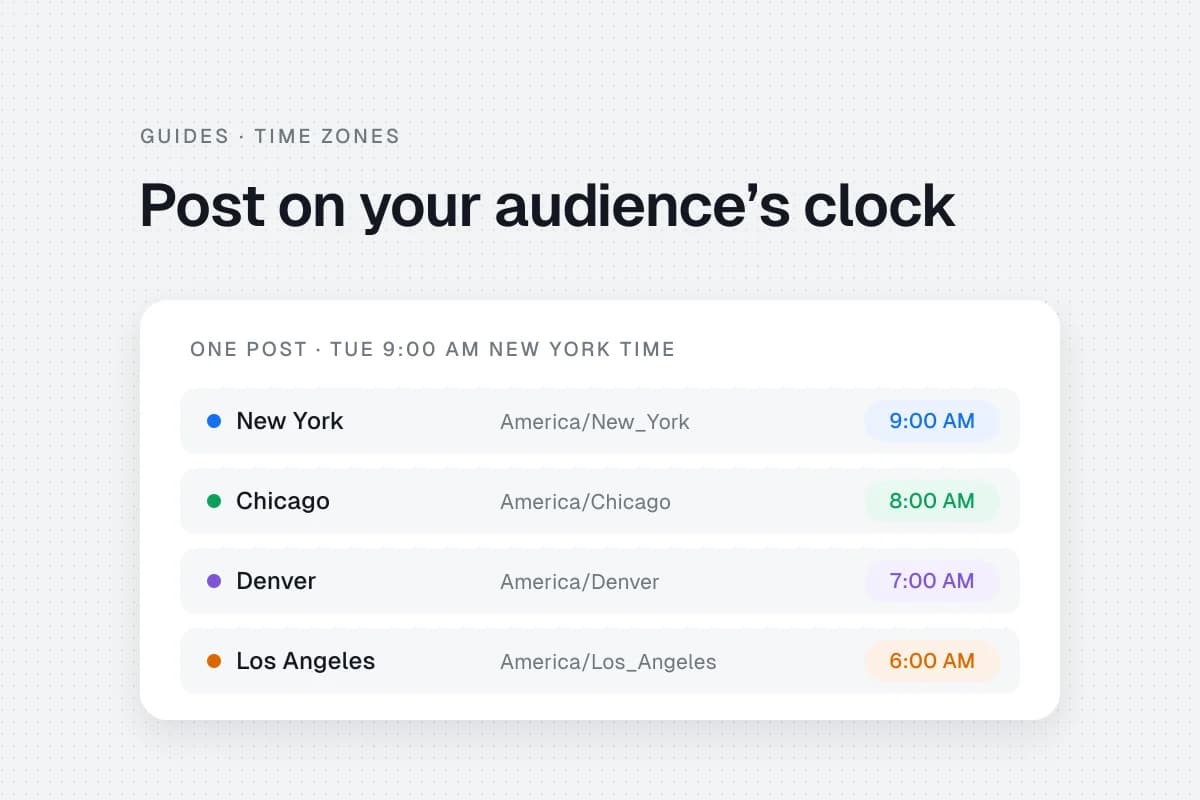
- Intended publishing date and audience timezone
- Version number and last edit date
- Named approver and approval deadline
- Final decision and timestamp
For example, a post labeled “Cedar Café / Instagram / Friday lunch offer / v3” is much safer than “Post 12 final FINAL.” Give the client one review location, even if you prepare assets in other tools.
The SolMarrow content calendar template can help organize the planning fields. Adapt the approval columns to your own process.
Set review deadlines before the content is urgent
Suppose a promotion needs to go live Friday at 10 a.m. The freelancer might send the draft Tuesday, request feedback by Wednesday afternoon, complete changes Thursday and verify the scheduled post Thursday evening. This is an illustrative timeline, not a universal service standard.
Write down what happens if the client misses the review deadline. A reasonable default is to hold the post, notify the approver and reschedule after confirmation. Never silently treat a missed deadline as approval, particularly for prices, promises, regulated topics or sensitive announcements.
Make urgent content a separate path. If the client needs a same-day correction, identify who can authorize it and how the decision will be recorded.
Handle revisions without losing the approved version
Consider a fictional example: a client approves a promotional post, but the creator later changes the offer while correcting a typo. The original approval no longer covers the content. That is why version control matters.
Use a simple rule: changes to claims, pricing, images, links, audience or timing after sign-off require another approval. Small punctuation changes may be handled under a written client policy, but do not assume the exception exists.
The Hootsuite approval workflow guide recommends preserving approval history and rechecking changes after sign-off. A record can be as simple as:
| Version | Change | Reviewer decision |
|---|---|---|
| v1 | Initial caption and image | Changes requested |
| v2 | Corrected offer wording | Approved |
| v3 | New price or image | Review required again |
Keep the approval history rather than overwriting it. A short history is useful when a client later asks why a particular message appeared.
Decide whether you need approval software
A spreadsheet, shared document or project board can work for a freelancer with a few clients. The system only needs to make the current version, decision and deadline unambiguous.
As the number of reviewers and accounts grows, a platform with role-based permissions and an approval trail may save time. Hootsuite's approval product page documents tiered approval and reviewer notifications. Its availability depends on the plan; these are Hootsuite capabilities, not features you should assume every scheduler includes. Check pricing and current plan restrictions before choosing any tool.
In SolMarrow, client review links are included in the free plan and in Pro: you share selected posts through a link, and the client approves each one or requests changes without creating an account. Their answer appears on the post. Pro ($10 a month) adds an internal Approvals board, where posts wait until the owner or an admin approves them, along with team invites and unlimited workspaces (pricing). A team can still keep client approvals in a separate free document if that suits the client better.
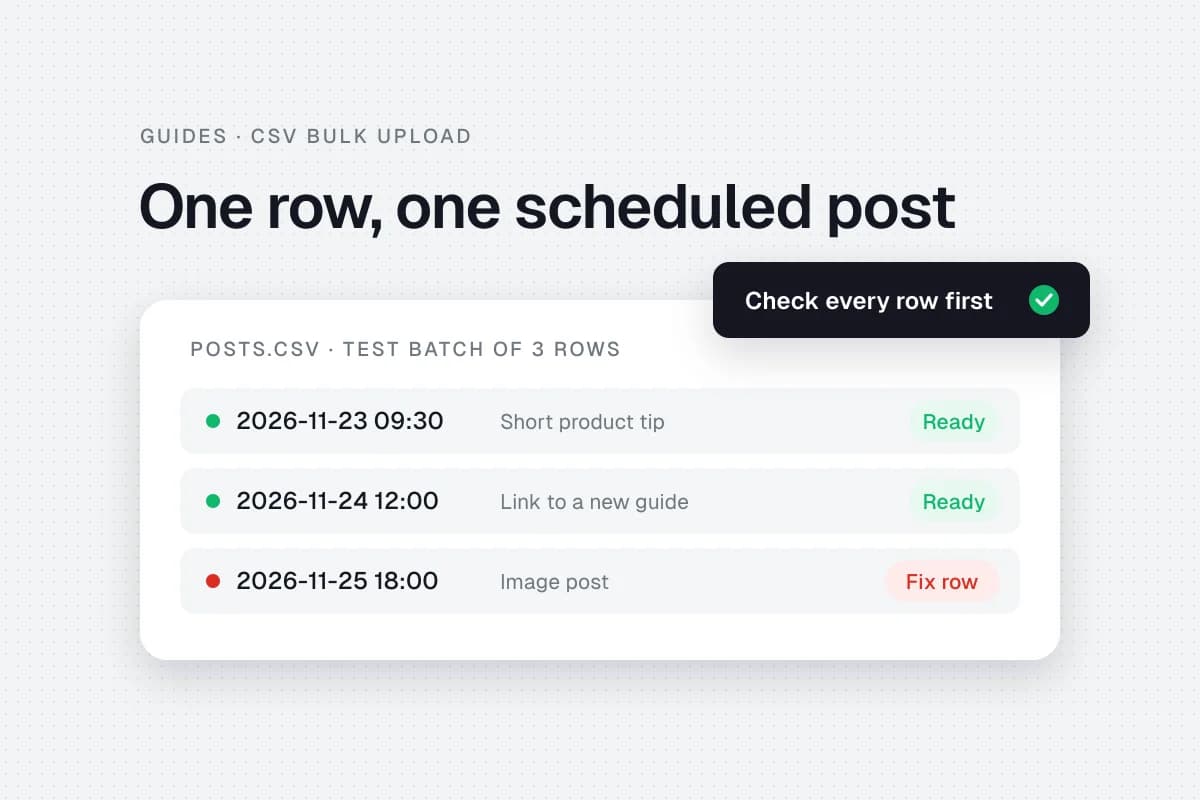
Test the workflow with three posts
Before moving a month's calendar into the system, test three different cases.
A routine educational post: Does the client see the right caption and preview? Can they approve the exact version?
A post that needs changes: Does feedback return to the creator? Does the status remain unapproved until the revision is accepted?
A time-sensitive promotion: Can the team see the deadline, timezone and decision-maker? What happens if approval arrives late?
Then verify that only approved content can reach the publishing step under your actual team permissions. If the tool does not enforce that rule, make the manual final check explicit.
Measure where approval slows down
Track a few operational signals over the first month: average time waiting for client review, revision rounds per post, missed approval deadlines and posts held because of unclear decisions.
These numbers help you improve the process. If most posts wait three days for one reviewer, writing captions faster will not solve the bottleneck. You may need earlier submission, a backup approver or a smaller batch.
Do not confuse speed with quality. The aim is a predictable process that catches mistakes without forcing clients to review the same content repeatedly.
A checklist before scheduling
- The correct client and social account are selected.
- The caption, media, offer and link match the approved version.
- The approver and approval timestamp are recorded.
- The date and timezone are correct.
- No material edits happened after sign-off.
- A team member will check whether the post actually publishes.
- Someone knows who handles replies or urgent corrections.
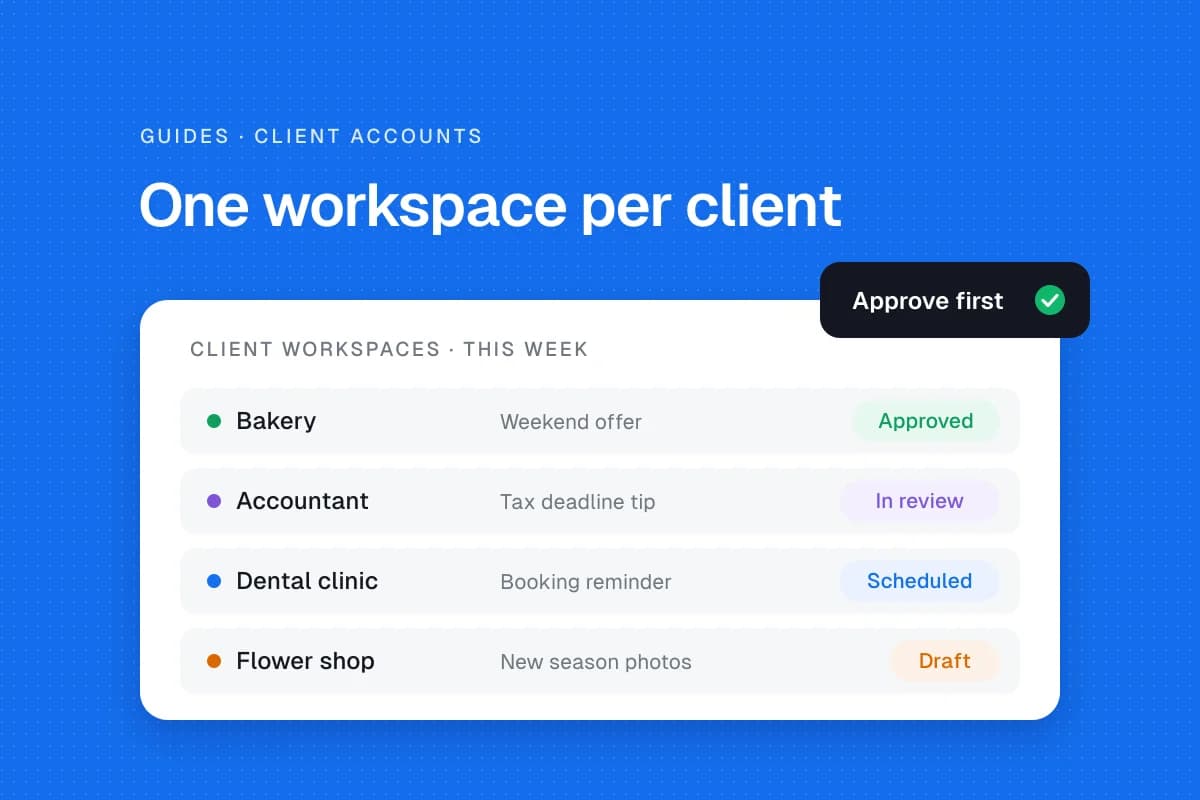
For more on the wider client workflow, see how freelancers can manage multiple client social media accounts. If you plan posts in a spreadsheet, the guide to bulk scheduling posts with a CSV file explains how to keep approval separate from import.
Frequently asked questions
Who should approve a client's social media posts?
The client should designate a specific final approver. Internal editors can check quality first, but their review should not replace client sign-off unless the agreement explicitly grants that authority.
Can a client approve posts by email?
Yes, provided the message clearly identifies the exact version, media and publishing date, and the decision is retained. A centralized review board is easier to audit as volume grows.
What happens when the client does not respond?
Follow the agreed escalation policy. If there is no explicit authorization to publish without approval, hold the post.
Does every post need multiple reviewers?
No. Small teams may use one approver. Additional review is useful when content risk, regulation or organizational structure justifies it.
Sources and editorial checks
- Hootsuite, How to build a social media approval process (June 3, 2026), workflow stages, roles and version risks.
- Hootsuite social media approval tool, examples of role-based and tiered approvals.
- Hootsuite external approvals documentation, product-specific audit trail example.
The best approval workflow is the one clients can actually follow. Start with a named decision-maker and one clear version of every post, then add complexity only when the work demands it.