How Freelancers Can Manage Multiple Client Social Media Accounts
Learn a practical system for managing multiple clients' social media accounts with safer access, approvals, calendars and reporting.
Guides7 min read
Managing one client's social media is mostly about content. Managing five clients also means handling separate brand voices, account access, approval deadlines, reporting and customer questions. The trouble usually starts when all of that work is scattered across personal messages and browser tabs.
A freelancer can keep the operation manageable without building a large agency. The key is to separate clients clearly, standardize the repetitive work and never confuse a drafted post with an approved or published one.
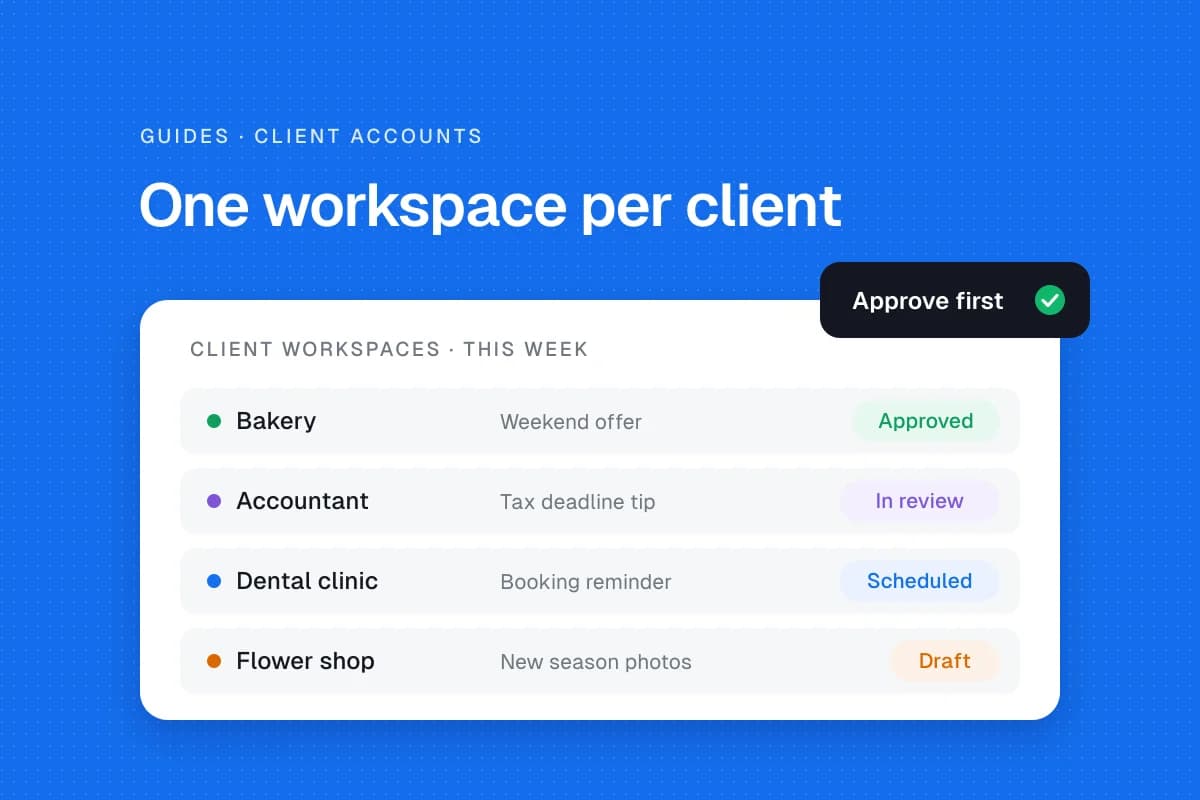
Give each client a dedicated home
Create a workspace or clearly labeled folder for every client. Store the brand guide, approved imagery, channel list, content calendar, contact details and reporting notes in the same place.
Each client record should answer:
- Which profiles are covered by the agreement?
- Who owns each account and who grants access?
- What tone, claims and topics are permitted?
- Who approves captions, graphics and scheduled dates?
- Who responds to comments and messages?
- What happens when a post fails or an urgent complaint arrives?
A restaurant's daily offers and an accountant's educational posts should never share a generic content template without adaptation. Keep their assets and approval histories separate.
Use official account permissions
Whenever possible, have clients grant access through a platform's business tools rather than sending personal passwords. Keep ownership with the client. Turn on multifactor authentication and document how access will be removed when the contract ends.
Hootsuite's permissions documentation describes role-based access to organizations, teams and social accounts. This illustrates a useful principle: grant only the access someone needs. The available roles vary by product and plan, so verify them for the actual client's networks.
If a platform lacks appropriate delegation, agree on a secure, client-controlled alternative before starting work. Never put credentials in an unprotected spreadsheet.
Build one calendar structure for every client
A consistent calendar makes it easier to switch clients without mixing their work.
| Field | What to record |
|---|---|
| Client and channel | Exact account that will publish |
| Goal | What the post is meant to achieve |
| Draft and media | Latest reviewed version |
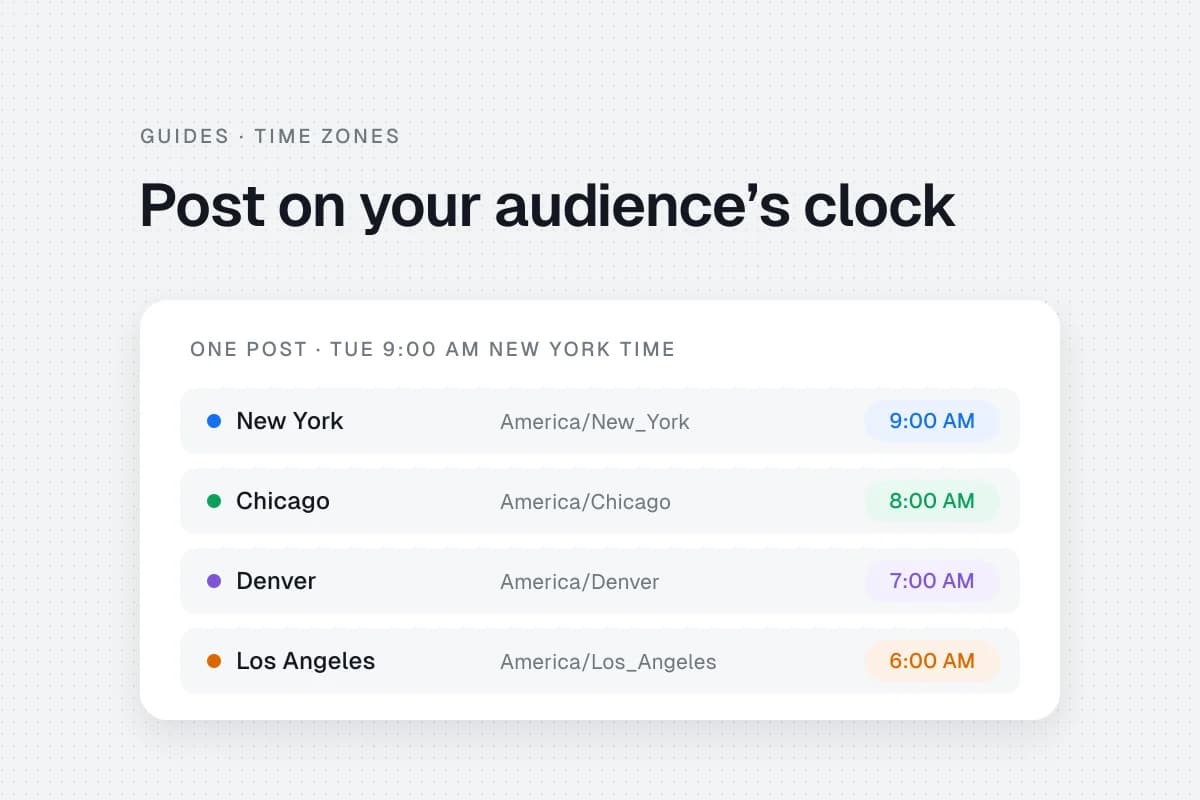
| Date and timezone | Intended audience-local publishing time |
| Approver | Named person who can sign off |
| Status | Idea, Draft, Review, Approved, Scheduled, Published or Failed |
| Result | Relevant performance or follow-up |
Use one overview to see your week, but keep the underlying client materials separate. A content calendar template can provide a starting point. For clients whose audiences sit in other regions, see how to schedule posts across time zones.
Batch the work without making every brand sound alike
Frequent context switching costs attention. Try grouping similar tasks into predictable blocks.
- Review each client's priorities. Check upcoming promotions, seasonal dates, questions and unfinished work.
- Draft in client-specific batches. Prepare several posts for one brand while its voice guide is open.
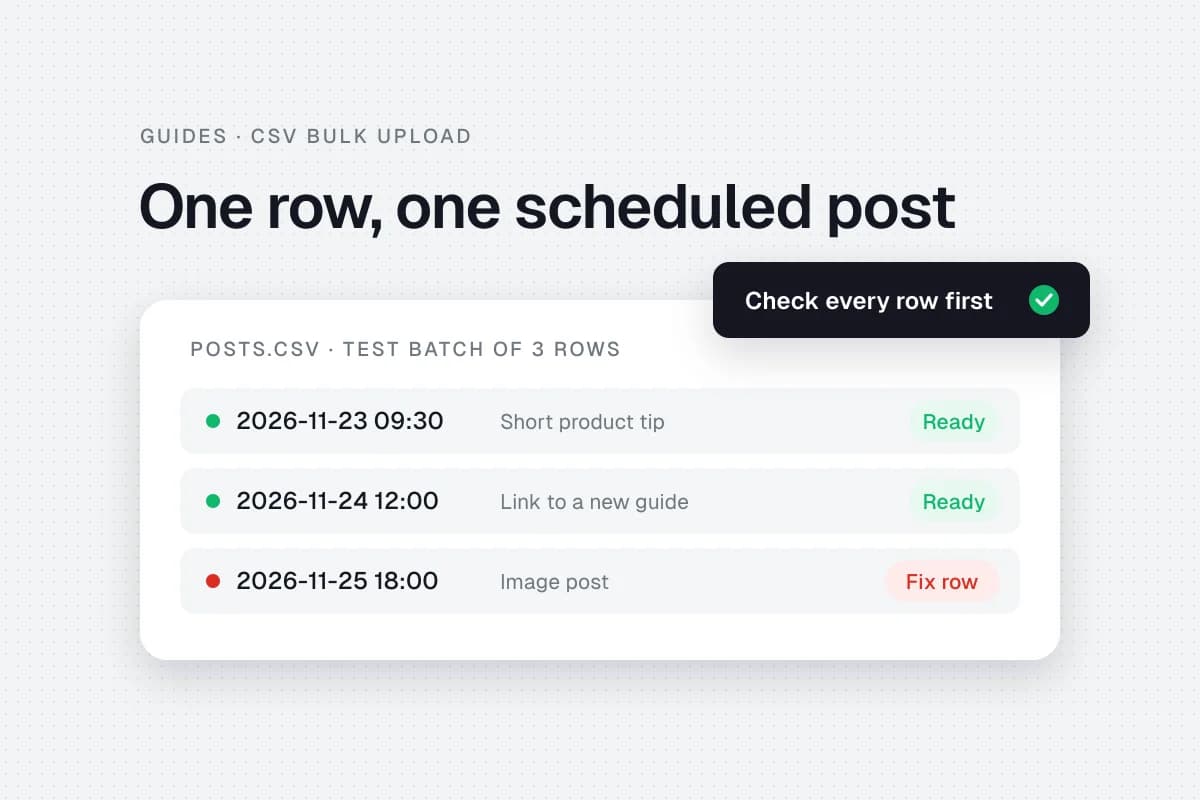
- Request approvals together. Share the exact version, visual and publishing date, with a clear deadline.
- Schedule only approved content. Confirm the correct account, link, timezone and final preview.
- Verify and report. Check whether the posts actually appeared and note what needs attention.
This schedule is flexible. A local business may need same-day updates; a consultant may approve two weeks of educational posts at once.
Batching should reduce repetitive setup, not remove room for urgent or timely content.
Make approvals easy to audit
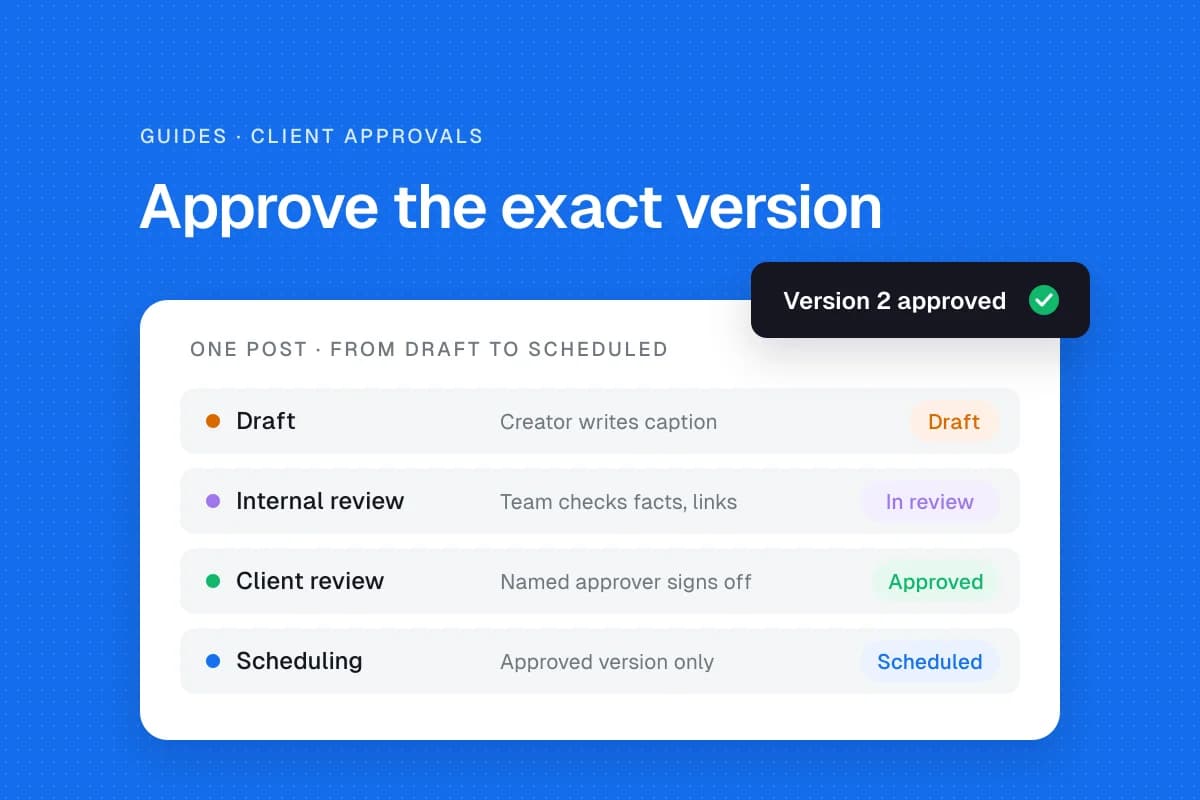
A vague thumbs-up in a long message thread is not a reliable publishing record. Ask clients to approve a specific version of the caption, image, link and date.
Store the decision, reviewer and timestamp. When you change a claim or image after approval, return the revised post for review. Agree on what happens if the client misses the deadline. Holding an unapproved promotional post is usually safer than guessing.
Hootsuite documents approval workflows for certain paid plans. If your current tool lacks this feature, a shared project board with clear versioning can still support a disciplined manual process.
Choose a scheduler for the work you actually do
Before buying a tool, compare your client requirements with the features on the specific plan you can afford.
| Need | What to check |
|---|---|
| Account separation | Can you identify each brand clearly? |
| Networks | Are the client's actual profile and page types supported? |
| Publishing | Can you preview and verify posts? |
| Collaboration | Can clients review without full publishing rights? |
| Reporting | Can you show client-specific results? |
| Pricing | Does cost rise by channel, workspace or user? |
| Security | Can permissions be removed quickly? |
Hootsuite's multi-account management guide discusses brand guidelines, approvals, scheduling and reporting as operational needs. These are useful comparison criteria, not a reason to purchase a particular platform.
You can also evaluate SolMarrow for scheduling. Each client gets its own workspace with its own connected accounts, calendar and time zone. The free plan includes one workspace; Pro, at $10 a month, adds unlimited workspaces, team invites and post approvals (pricing). Client review links let a client approve or request changes without a SolMarrow account on both plans. The agency and freelancer setup guide walks through the steps, and the supported networks page shows which client profiles you can connect today.
Report business results, not only post counts
At onboarding, ask what the client wants to achieve. An appointment-based business may care more about qualified inquiries than follower growth. A local shop may want more visits and customer questions.
A useful monthly report should cover what was published, what failed, meaningful engagement trends, website traffic or inquiries where tracking exists, and what you plan to change.
Avoid claiming a post caused a sale unless the attribution data supports that conclusion. Social platform analytics and website analytics show different parts of the customer journey.
Track your own workload too. Approval delays, revision rounds and time spent answering messages reveal whether the contract is sustainable.
Set clear service boundaries
Two clients asking for eight posts a month can create very different workloads. One provides images and approves quickly. Another expects original video, daily direct-message coverage and repeated revisions.
Write down the included channels, content quantity, asset creation, revision rounds, reporting and response-management responsibilities. Define urgent requests and additional charges in advance.
An example starter package could include a monthly planning call, eight posts, one revision round, scheduling after approval and a short report. This is an illustration of scope, not a market-price recommendation.
Common mistakes to avoid
Posting to the wrong brand. Label every draft with client and channel, and inspect the final account preview.
Using identical captions for unrelated businesses. Adapt examples, tone and calls to action.
Treating scheduled as published. Tokens expire, media can fail validation and platforms sometimes reject posts. Verify the result.
Accepting approvals in several places. Choose one source of truth.
Ignoring offboarding. Remove access, return assets and document outstanding posts when a contract ends.
A simple client onboarding checklist
- Confirm scope, contact and business goals.
- Obtain authorized account access.
- Collect approved assets and brand guidelines.
- Agree on calendar, timezone and posting frequency.
- Name the approver and review deadline.
- Define message coverage and urgent escalation.
- Set the first reporting date.
- Record account handover and offboarding responsibilities.
The best system is the one you can repeat for every client without losing the details that make each business different. Organization protects your time, but it also protects the trust clients place in you.
Frequently asked questions
How many accounts can one freelancer manage?
There is no universal number. Capacity depends on content complexity, approval speed, customer-care scope and how much of the work is repeatable. Measure actual hours before accepting more clients.
Should clients give me their passwords?
Prefer official delegated access and appropriate roles where available. Keep the client in control of its accounts.
Do I need an expensive agency platform?
Not automatically. Start with a reliable calendar and approval process, then upgrade when a real workflow problem justifies the cost.
How do I avoid publishing to the wrong account?
Separate workspaces, label assets, verify the channel in the final preview and use a second review for sensitive posts.
Sources
- Hootsuite multi-account management guide, planning and operational considerations.
- Hootsuite permissions overview, role-based account access.
- Hootsuite approvals documentation, plan-dependent review workflows.
A freelancer does not need to run every client identically. The repeatable part should be the process, while the content stays specific to each client's customers.