Social Media Reporting Metrics Every Agency Should Track
Learn which social media reporting metrics agencies should show clients, from publishing reliability and engagement to qualified inquiries and attribution.
Guides6 min read
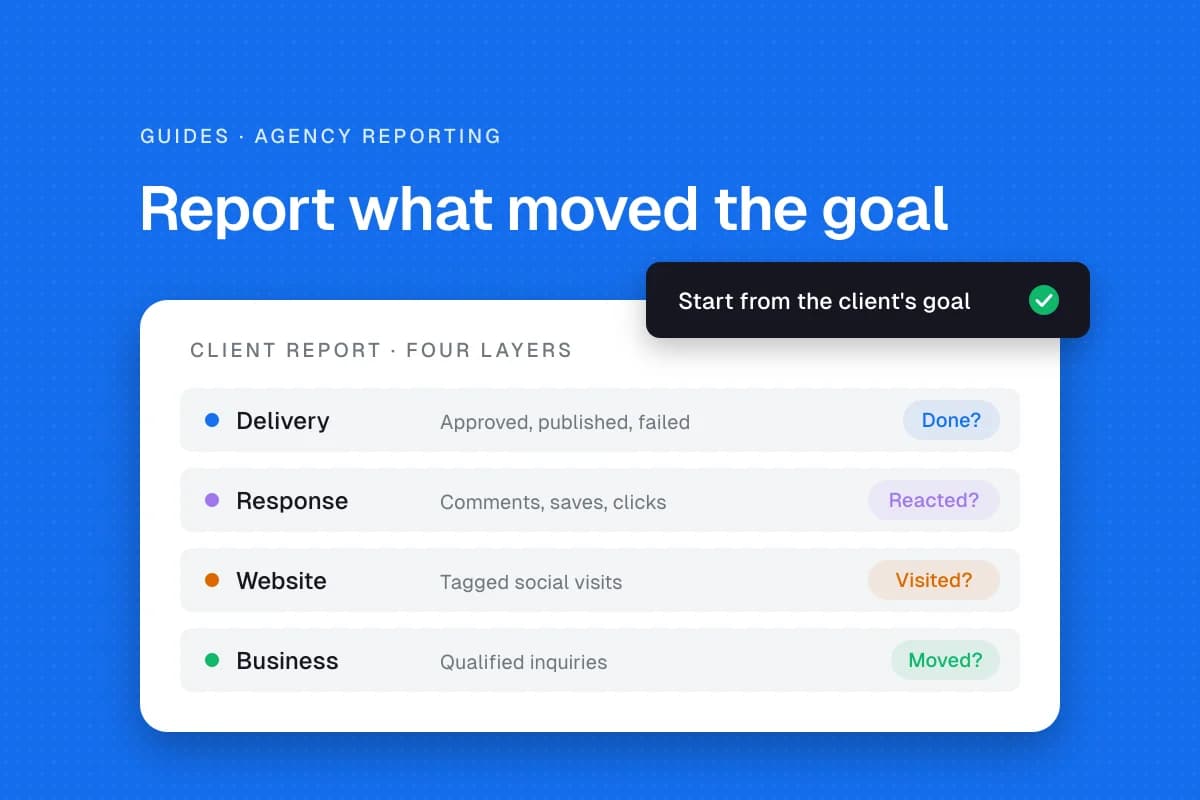
Social media reporting for agencies should answer three questions: did the agreed work happen, did the audience respond, and did that response help the client's business? A dashboard full of impressions cannot answer the last question on its own. Start with the client's goal and work backward to a small set of defensible measures.
Separate delivery, attention and business results
A client paying for reliable publishing needs evidence that posts went live. A client paying to generate inquiries needs evidence about conversations and leads. Report both, but do not treat them as interchangeable.
| Reporting layer | Useful measures | What it tells the client |
|---|---|---|
| Delivery | Approved, published and failed posts | Whether agreed work was completed |
| Visibility | Reach, impressions and video views | Whether content was displayed |
| Response | Comments, saves, shares and clicks | How people interacted |
| Website | Social sessions and key events | What happened after a tracked visit |
| Business | Qualified inquiries and booked calls | Whether outcomes moved toward the goal |
Definitions differ across networks. LinkedIn's official Pages playbook describes Page analytics for posts, followers and visitors. Never merge those numbers with another platform's metrics without labeling the source.
Choose a goal before choosing metrics
For a bakery, the goal might be more weekend preorder inquiries. A consultant may want qualified discovery calls. A nonprofit might prioritize event registrations. The same engagement chart cannot measure all three equally well.
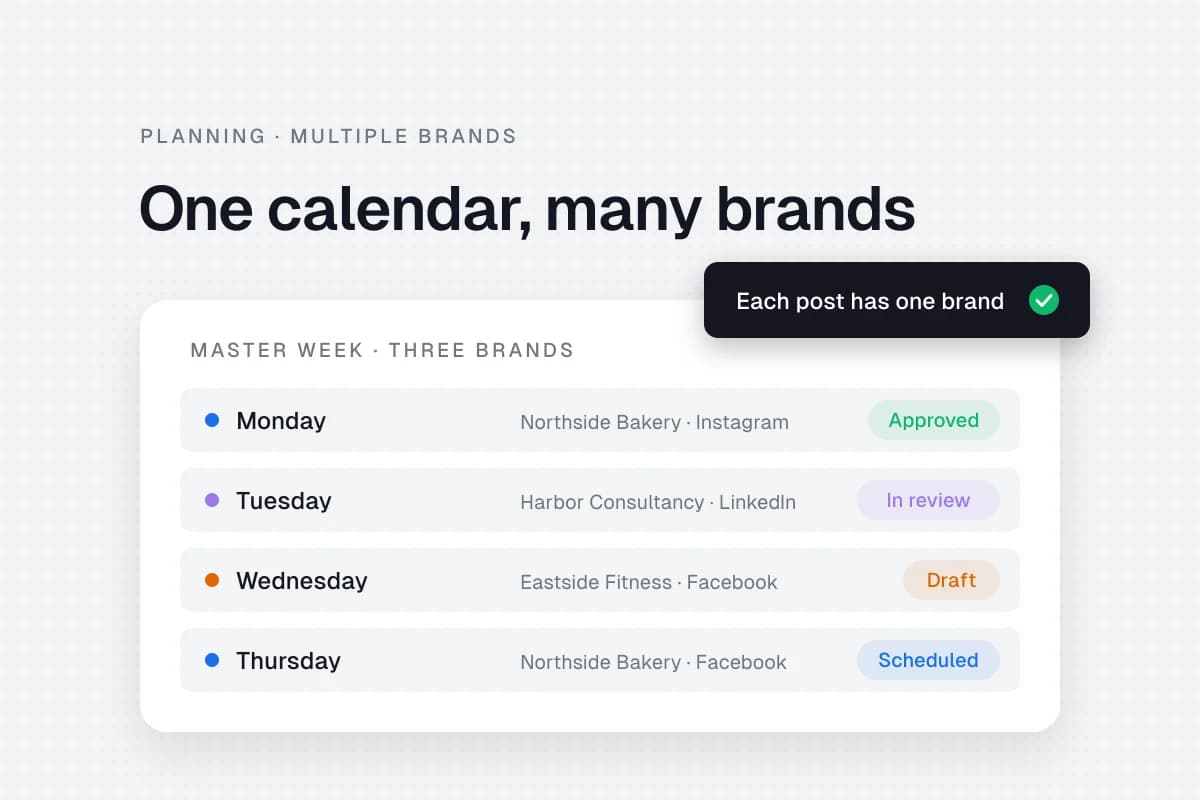
Write one goal statement and identify an observable action, such as a submitted inquiry form. Record the baseline if reliable data exists; otherwise say the first period establishes one. For agencies with several brands, create separate reporting views for each client. A combined total can hide poor results on a small account. See how to build a social media calendar for multiple brands.
Track publishing reliability first
A scheduled post is not automatically a published post.
- Count approved posts due during the period.
- Confirm which posts actually appeared on their destination networks.
- Record failures, delays and posts intentionally held for review.
- Link to the public post when possible.
- Explain missed deliverables and the recovery action.
If twelve posts were planned but one was held because the client changed an offer, describe the hold rather than counting it as delivered. That is an illustrative example, not a benchmark. See SolMarrow's client approval workflow guide.
Explain reach and impressions carefully
Reach generally describes unique accounts exposed within a platform's definition. Impressions count displays and can include repeated exposure. Exact definitions depend on the network. Never add reach from two platforms and call it a unique cross-platform audience.
Compare the same metric on the same network across comparable periods. Seasonal promotions, paid boosts, content formats and publishing volume can change results. Include these changes as context. An honest report might say, "Instagram impressions increased while publishing volume also increased; this does not establish which change caused the result."
Use engagement measures that fit the content
Comments, shares, saves, reactions and clicks represent different behaviors. A tutorial might be saved, while a local event announcement may produce link clicks.
| Content purpose | Primary response | Supporting context |
|---|---|---|
| Teach a skill | Saves and useful comments | Reach and format |
| Drive website interest | Tracked link clicks | Landing-page sessions |
| Promote an event | Registrations or inquiries | Post reach |
| Start conversations | Relevant replies | Response time |
These are suggested measures, not platform ranking factors. If you calculate an engagement rate, state its formula and denominator. Interactions divided by impressions is not the same calculation as interactions divided by followers.
Connect social activity to website outcomes
Use campaign-tagged links where appropriate. Google Analytics documentation on traffic sources explains how UTM parameters identify source, medium and campaign. A campaign link can identify Instagram as the source and a specific promotion as the campaign.
Check whether the destination website records visits and meaningful actions. Google's channel-group documentation distinguishes organic social, paid social and other channels. Reporting scope and attribution models affect totals.
Do not promise that a post caused a sale simply because a customer visited afterward. They may have encountered the business through several channels. If analytics access is missing, state that limitation instead of guessing conversions.
Report qualified inquiries, not just clicks
A campaign with many clicks but no relevant inquiries may be less valuable than one with fewer clicks and strong sales conversations. Define "qualified" with the client before reporting, such as a request from a customer in the service area.
Use a client-approved lead log to connect campaign sources with outcomes. Do not expose customers' private messages or personal details in a shared report. When attribution is uncertain, say "inquiries associated with the campaign" rather than "sales generated by Instagram."
Build a monthly report clients can read
Lead with a short explanation, not twenty charts. A useful report can follow this order:
- Goal and result: What was intended, what is measurable and the main finding.
- Delivery: Planned, approved, published and failed posts.
- Response: Two or three measures relevant to the content's purpose.
- Website and inquiries: Tracked actions and attribution limitations.
- What changed: Formats, campaigns, access or paid promotion.
- Next month: Specific experiments with an owner and review date.
Show this month and a comparable earlier period only when both datasets exist. If there is no baseline, write "baseline not established," not a fabricated zero.
Check numbers before sending
Record the reporting period and timezone. Check whether paid and organic performance are mixed. Confirm a post was not counted twice because it was shared to multiple destinations. Note missing connections and delayed platform data.
A scheduler can organize publishing and collect post-level numbers. In SolMarrow, Analytics shows posts published, likes, comments, shares and views per network and per account for the last 7, 30 or 90 days, and it is included on the Free plan (see pricing). Those figures describe published posts, not independent proof of campaign performance.
Frequently asked questions
Which metrics should agencies report?
Start with delivered posts, relevant audience response and a business action tied to the client's goal. Include reach and impressions for context.
Is engagement rate enough to prove success?
No. It depends on the denominator and does not establish qualified inquiries or sales. Show the calculation.
How should agencies report ROI?
Use verified revenue and attributable costs when available and state the assumptions. Otherwise report observed outcomes without inventing ROI.
How often should clients receive reports?
Agree on a cadence that fits the campaign. Monthly summaries with prompt alerts for publishing failures are a practical starting point.
Sources
- LinkedIn Pages playbook, Page analytics categories.
- Google Analytics campaigns and traffic sources, UTM campaign handling.
- Google Analytics channel groups, social traffic classification.
A good report makes the next decision easier. Explain what the numbers support, what they do not, and what the team will change next.