Which Hootsuite Alternatives Work for Small Teams?
Compare Hootsuite alternatives for small teams, including SolMarrow, Buffer, Metricool, Later and more. See free plans, posting limits and trade-offs.
Top lists10 min read
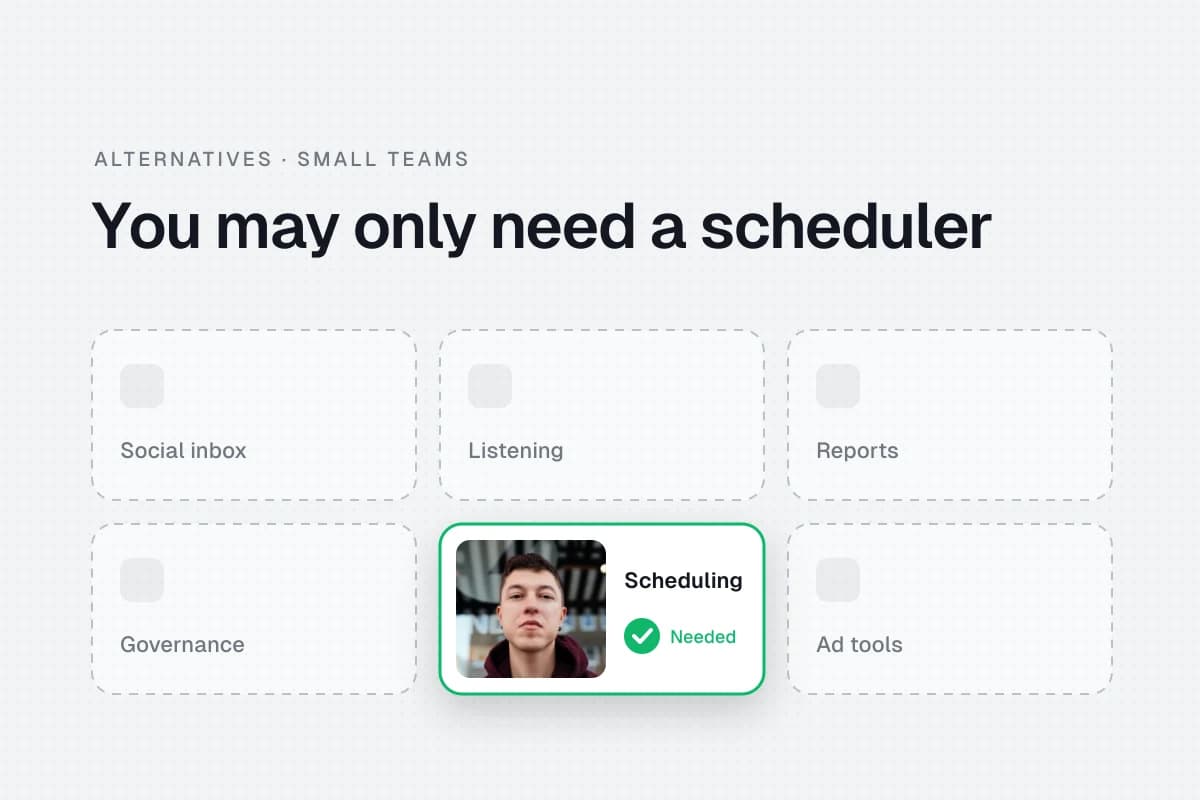
Hootsuite makes sense for companies that want publishing, analytics, listening and customer conversations under one roof. But if your team is small, you may not need that entire setup. The better Hootsuite alternative depends on whether your real problem is scheduling posts, collaborating with a colleague, reporting results or getting customer messages under control.
Quick answer: SolMarrow is a useful starting point for a business that wants to schedule across several supported networks without an ongoing subscription. Buffer is a simple option for smaller queues. Metricool stands out when analytics matter, Publer works for batch posting, Later suits visual-first creators, Zoho Social fits teams already using Zoho, and SocialBee helps organize recurring content. Hootsuite remains worth paying for if its wider reporting, inbox and governance tools save your team meaningful work.
SolMarrow Free vs Hootsuite at a glance
| Main question | SolMarrow Free · $0 | Hootsuite · trial, then paid |
|---|---|---|
| Ongoing free scheduler | Yes, with no expiry | Trial offered; no permanent free plan advertised |
| Accounts | Different supported networks, one account per network | Allowance depends on the selected subscription |
| Scheduled queue | No fixed queue ceiling under ordinary fair use | Scheduling included on paid plans, with trial restrictions |
| AI-assisted workflows | MCP, API and webhooks included | AI, analytics and team tools vary by plan |
| Best fit | One brand needing a free publishing calendar | Teams wanting an inbox, listening and detailed oversight |
The main caveat: SolMarrow Free has one workspace and only one account per supported network inside that workspace. Unlimited does not mean several Instagram accounts for different clients on Free, and X posting has extra credit or developer-key costs. See SolMarrow pricing, SolMarrow limits, Hootsuite's current plans and Hootsuite Standard. Checked November 23, 2026.
Do you need to replace a scheduler or an entire social suite?
That question saves more time than searching for the cheapest subscription. Hootsuite Standard includes content planning, publishing, analytics and a social inbox. Its higher-tier workflows add more advanced approval and governance options. The Hootsuite plan comparison and approval documentation show where those capabilities differ.
If your weekly routine is simply writing five updates and scheduling them, you're choosing a calendar. If customer messages regularly go unanswered, you're also buying an inbox. If a marketing manager needs a defensible report every Friday, analytics matters much more. Replacing all of those jobs with a basic scheduler could be a false economy, even if the subscription is cheaper.
Seven Hootsuite alternatives for different small-team needs
1. SolMarrow for a free publishing calendar
SolMarrow keeps the core scheduler free. You can connect accounts across supported networks, draft posts, check network-specific previews, use the calendar and queue, upload a CSV and work with an AI agent through MCP. Its free plan has no subscription clock, while fair-use limits still apply.
That is attractive for a small business with, for example, an Instagram business account, a LinkedIn profile and a supported Facebook account. One person can plan the posts in one place without paying for each different network connection. The same is not true of several clients all needing separate Instagram accounts in the free workspace, because the one-account-per-network rule still applies.
Be realistic about the other differences. A dedicated team-approval board and extra workspaces require the optional paid plan. SolMarrow's broader inbox and CRM are beta, and some listed networks are not yet available for publishing. If you rely on Hootsuite's mature listening, reporting and customer-care features, check those requirements independently. SolMarrow is a scheduling option, not a promise of identical feature coverage.
2. Buffer for straightforward queues
Buffer is an approachable choice for people who just want to draft, schedule and move on. Its Free plan includes three connected channels and ten posts pending on each. After a queued post publishes, that slot becomes available again.
For a small team that only posts a few times a week, this can be enough. Buffer also provides a polished publishing environment, an AI assistant and community tools. Its paid tiers add capacity and collaboration, but you should check whether the media format you need supports automatic posting.
If you prefer the simplicity of a limited queue to a full campaign suite, Buffer is worth trying. If your team needs a full month queued in advance, review Buffer's scheduling limits before moving your calendar.
3. Metricool when analytics are the reason to pay
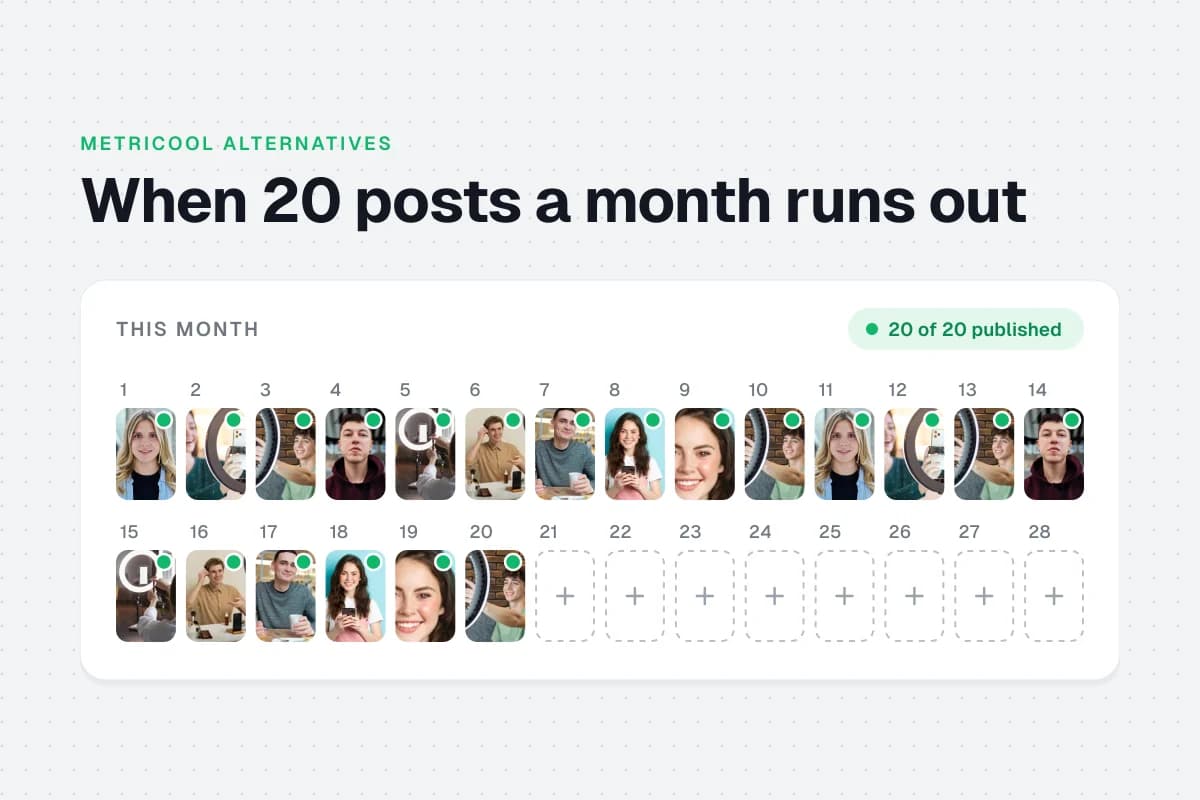
Some businesses can create posts without help but struggle to understand what worked. Metricool combines scheduling with analytics and reporting. Its free plan covers one brand, with a monthly post allowance, while paid plans expand the number of brands and reporting tools.
This is more useful when somebody actually looks at engagement, campaign results or audience trends to decide what to publish next. A local business measuring responses from several content themes may get more value from analytics than from extra automation options.
If you only need a calendar and rarely use reports, the additional features may not justify a paid tier. Consider Metricool for the feedback loop between publishing and measurement, not just because it has more dashboards.
4. Publer for batching and RSS-based sharing
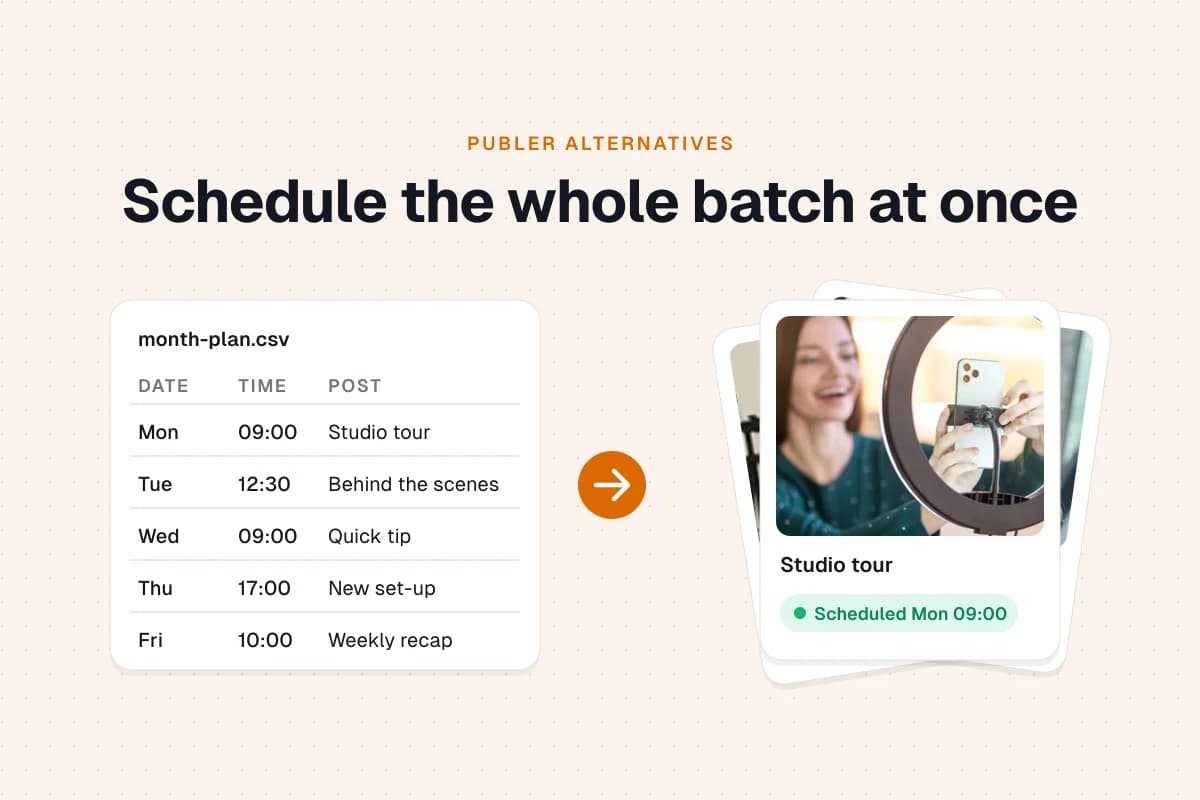
Publer suits a marketer who batches posts, uses recurring content sources or wants a flexible queue. It offers a limited free plan and paid options that vary with social accounts and teammates.
A busy owner could use it to prepare content once a week, then publish throughout the week. More advanced workflows, account expansion and certain platforms depend on plan. For example, X is not included in the free Publer connection options.
Compare how it handles each post format and whether scheduling is enough or you also need team review controls. A queue can reduce repetitive work, but it does not replace client approvals or a service inbox.
5. Later for Instagram-led visual content
Later is a good alternative to examine when your content starts with images, Reels and visual campaign planning. It has a visual planner, social sets and publishing options designed around the needs of creators and marketing teams.
Later's official plan guide describes a limited Free tier as well as paid options. Free users have a restricted calendar horizon and other feature limits. You should also confirm which Instagram post types can publish automatically.
For a store or creator whose biggest concern is previewing a consistent Instagram presence, that workflow may be more valuable than an enterprise inbox. For a service business posting mostly links and updates across many networks, it could be more structure than necessary.
6. Zoho Social for a business already using Zoho
Zoho Social makes more sense when social publishing is part of an existing Zoho workflow. Its official pricing includes a Free option for one brand, with paid plans offering broader capabilities.
If social content is connected to leads, customer histories or reporting inside other Zoho apps, the integration can save work. You may also prefer to keep another business function in a product family your team already knows.
If you don't use Zoho CRM or related tools, don't choose Zoho Social just because it has many modules. Compare its current network limits, posting permissions and available integrations against the actual workflow you run.
7. SocialBee for organized evergreen content
SocialBee is worth considering when your business repeatedly shares educational tips, seasonal reminders or evergreen posts. Its categories, queues and ongoing publishing routines are the important differentiators.
SocialBee offers a trial rather than a permanent free scheduler. Its official plans include paid tiers for different numbers of profiles and workspaces. Higher tiers add collaboration, analytics and reporting features.
For a team that has a library of evergreen advice and wants to keep it circulating, categories can be worth learning. If you only publish new posts once or twice a week, a simpler calendar may be more efficient. Don't assume a normal one-time queue includes the same recycling behavior.
At a glance: how the seven options compare
| Tool | Free account limit | Free scheduled post limit | Key trade-off | Official source |
|---|---|---|---|---|
| SolMarrow | Unlimited supported accounts, one per network | Unlimited under fair use | One free workspace | SolMarrow pricing |
| Buffer | 3 channels | 10 queued posts per channel | Simple queue and publishing tools | Buffer pricing |
| Metricool | 1 brand | 20 posts per month | Reporting depth and brand limits | Metricool limits |
| Publer | 3 accounts | 10 queued posts per account | Bulk/RSS workflows; X requires paid | Publer pricing |
| Later | Limited Free tier | Restricted Free scheduling | Visual planning with format limits | Later plans |
| Zoho Social | 1 brand | Verify current Free post rules | CRM integration | Zoho pricing |
| SocialBee | Trial, no ongoing free tier | Trial only | Evergreen content categories | SocialBee pricing |
The comparison is intentionally after the seven reviews, so the numbers have context. Social accounts, brands, workspaces and post queues are not interchangeable. This is an editorial synthesis of the cited official documentation, not an independently tested performance ranking. Plans checked November 23, 2026.
How a small team can choose in a single afternoon
Instead of signing up to seven services, list what your team needs every week. Put each requirement in one of these groups: publishing, approval, customer messages or reporting. A problem you experience daily should matter more than a feature you might use once.
Then run one realistic test:
- Connect a real supported account and check that its account type is eligible.
- Create a post using the image, video or carousel format you normally publish.
- Schedule it and confirm whether the tool auto-publishes or sends a manual reminder.
- Look for the published link or failure notice after the scheduled time.
- If somebody must review content, test that exact step before subscribing.
You will learn more from one published post than from a dashboard tour. For a free walkthrough, see how to schedule one post to multiple networks. If you're building your process from scratch, the small-business scheduling guide is a useful companion. For collaboration, see how to manage client content approvals and how to manage multiple client accounts.
Questions small businesses ask about Hootsuite alternatives
Is there a free alternative to Hootsuite?
Yes. SolMarrow, Buffer, Metricool, Publer and Zoho Social offer ongoing Free options with different restrictions. SolMarrow allows unlimited accounts across different supported networks and unlimited scheduled posts under fair use, but only one free workspace. Hootsuite's published offers focus on a trial followed by a paid subscription.
Can a free scheduler replace Hootsuite for a small team?
It can replace basic publishing for many businesses. It may not replace Hootsuite's listening, unified inbox, reporting or advanced approval controls. If those functions are central to your workflow, compare them explicitly rather than assuming a free publishing calendar handles the same work.
Which one is better for Instagram?
Later is worth considering if visual feed planning is your priority. SolMarrow, Buffer and Metricool also offer Instagram-related scheduling, but profile eligibility and publishing formats vary. Confirm your required Reels, carousels and Stories behavior for your chosen account type.
What does unlimited scheduling actually mean?
It does not mean unlimited spam or unrestricted platform API usage. SolMarrow's Free plan has one workspace and one connection per supported network; fair-use and network limits still apply. Its usage policy also explains additional X costs and high-volume safeguards.
When is Hootsuite worth the extra cost?
When the inbox, listening, analytics and team oversight replace several other tasks your team would otherwise handle separately. Read the current Hootsuite plan comparison, including which approval workflows are only available on higher plans.
A recommendation that fits the work
If all you need is a reliable publishing calendar for one brand, start with a free option instead of paying for tools you will not open. Buffer is a sensible small-queue choice, Metricool helps with reporting and Later serves visually focused teams. SocialBee is useful when your evergreen library needs organization.
Hootsuite remains appropriate for businesses managing complex customer interactions and reporting. If your goal is simply to publish across different supported networks and keep your monthly scheduler cost at zero, SolMarrow Free deserves a test. Verify the supported networks, account types and workspace limits before moving any content.