7 Publer Alternatives for Creators Who Schedule in Batches
Compare seven Publer alternatives for free scheduling, bulk posting, evergreen content, approvals and AI workflows, with verified 2026 plan limits.
Top lists13 min read
If you're looking for Publer alternatives, start with the part of your workflow that isn't working. Publer is useful for scheduling batches of content, filling a queue, and recycling evergreen posts. But its free plan limits how many accounts and future posts you can keep queued. Some alternatives give you more room to schedule without paying; others do a better job with analytics, reusable content categories, Instagram planning, or client approvals.
Quick answer: SolMarrow is worth trying for free multi-network publishing and CSV batches. Buffer is a simpler queue; Metricool brings stronger analytics; SocialBee specializes in organized evergreen categories; Planable suits approval-heavy teams. SocialPilot and Later are alternatives for agency and visual-first workflows. Publer itself is still a good choice if its paid recycling features solve your problem.
SolMarrow Free vs Publer Free
| Compare | SolMarrow Free | Publer Free |
|---|---|---|
| Free price | Free forever (SolMarrow plans) | Free forever (Publer plans) |
| Optional paid plan, monthly billing | Pro costs twenty US dollars a month (SolMarrow rates) | Professional starts at five US dollars a month for one social account (Publer rates) |
| Connected accounts | Unlimited supported network connections, but one per network per workspace (SolMarrow rules) | Three social profiles, including multiple profiles from the same network; no X (Publer rules) |
| Queue | Unlimited scheduling, fair use applies (SolMarrow limits) | Ten waiting posts per profile, slots refill (Publer queue policy) |
| Batch scheduling | CSV import for batches of up to five hundred posts per file on Free (SolMarrow CSV guide) | Dedicated bulk scheduling on paid Professional and higher (Publer plans) |
| AI-agent access | MCP and REST API included in Free | Publer MCP and API available on Business and Enterprise |
| X connection | Available using credits or your own developer key, with separate costs | Not included in Free; paid subscription required |
| Best fit | One brand, many different networks, frequent posts | Up to three profiles, including repeated networks, with a short queue |
Compare official SolMarrow plans and official Publer plans. Prices and limits checked November 27, 2026. These two free plans solve different problems. Unlimited accounts on SolMarrow does not mean unlimited Instagram or LinkedIn profiles in the same workspace: Free allows one account per network. Conversely, Publer's ten-post limit is not ten posts per month. Once a queued post publishes or is removed, you can schedule another. Publer also lists 25 saved drafts and a 24-hour published-post history on Free.
Optional paid tiers: SolMarrow Pro is listed at twenty US dollars per month on monthly billing. Publer Professional starts at five US dollars per month for one social account, and its total depends on account and team-member quantities. Publer Business starts higher and adds analytics, recycling, API and MCP. See SolMarrow pricing and Publer's plan explanation. Compare equivalent account counts and billing periods before deciding.
Why switch from Publer if it already schedules posts well?
Publer has real strengths. Its official plan comparison describes scheduling calendars, post previews, Canva integration, browser extension, social account groups, and network-specific content. Publer's Professional plan supports larger bulk batches, RSS automation, and more workspaces; Business adds advanced analytics, AI features, evergreen recycling and MCP/API access. It is an established, feature-rich publishing tool, not a weak scheduler that needs replacing for everyone.
There are still good reasons to consider something different. A creator who publishes across several networks might find Publer Free's three-account ceiling restrictive. Another creator may keep a month's content ready ahead of time and find the ten-queued-post-per-account limit awkward. A team that uses AI agents might not want to move to Business just to connect MCP. An agency could need dedicated approval flows rather than just a shared calendar.
Here's a practical example. Suppose you prepare four weeks of content for Instagram, LinkedIn, Threads and Bluesky in one afternoon. On Publer Free, you would need to reduce the number of connected accounts or change plans, and its queue would only hold a short batch at a time. SolMarrow's free plan is a candidate if you need one account on each of those networks and the formats you publish are supported. However, if you manage two Instagram profiles and one Facebook Page, Publer Free's three-account allowance may work while SolMarrow's single free workspace cannot hold both Instagram profiles.
Choose the product around your real account mix, not a headline allowance.
Seven Publer alternatives worth considering
1. SolMarrow for free scheduling across different networks
SolMarrow combines a posting calendar, drafts, queued posts, per-network customization, basic analytics, CSV bulk imports, API, webhooks and MCP access on its Free plan. It is designed for creators who want one place to publish to the networks they use, with an optional route for AI-assisted workflows.
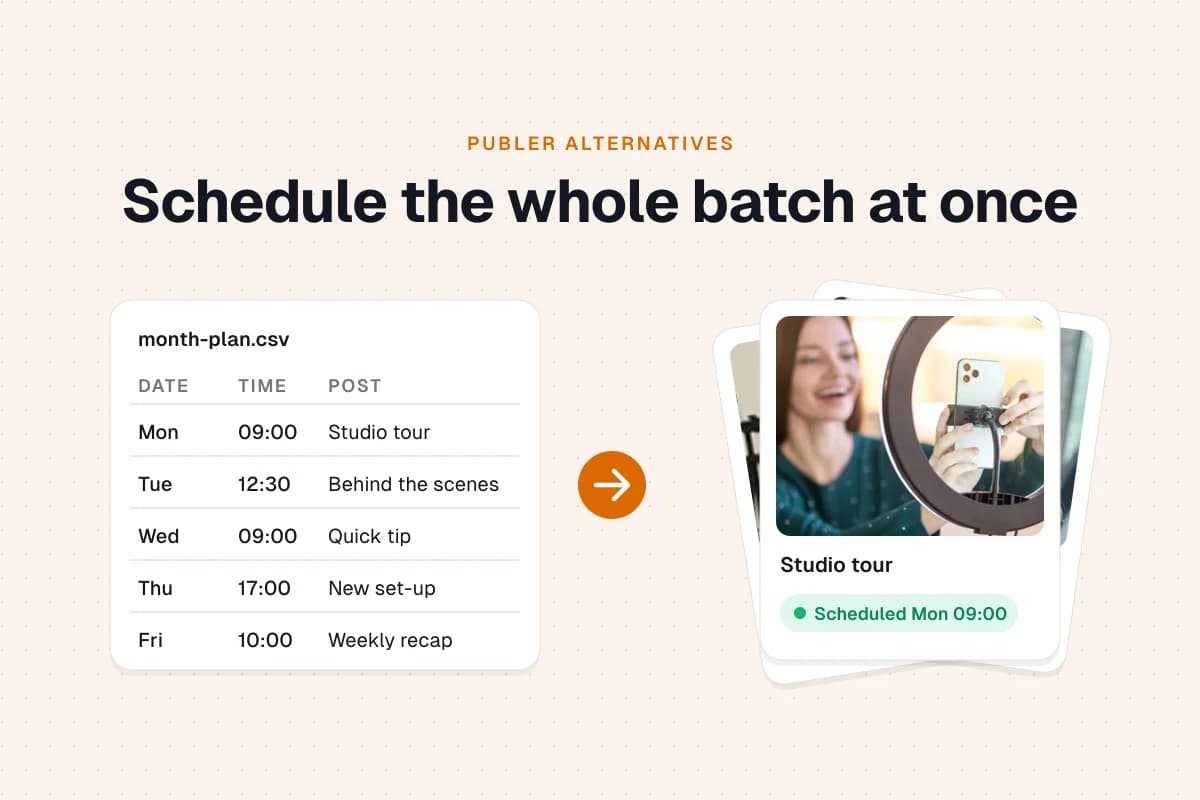
For someone moving beyond a ten-slot queue, the main benefit is clear: unlimited normal scheduling on Free. SolMarrow also documents bulk scheduling through CSV, including how to prepare dates, times, text, account choices and optional media before reviewing the imported posts. That can be more convenient than opening and saving each post manually.
The free plan is best understood as one workspace for one brand, with one account per supported social network and media storage of 1 GB. Posting remains subject to fair use, network rate limits and the permissions allowed by each platform. X is an exception: publishing requires credits or an appropriate developer key with separate costs. SolMarrow's documented limits explain the practical rules.
Choose it if: You publish frequently to several different networks, want to batch-import a calendar, and value free MCP/API access.
Look elsewhere if: You need several Instagram profiles in the same free workspace, advanced recycled-post rules, or the deeper reporting available in a specialist analytics suite. Separate client workspaces and team approvals belong to SolMarrow's optional paid tier, so do not assume they are free.
2. Buffer for a straightforward queue and clean calendar
Buffer is a useful Publer alternative when you want fewer moving parts. Its Free plan connects up to three channels and gives each channel ten scheduled-post slots at a time. Like Publer, the queue refills when posts publish; neither service imposes a monthly ten-post total just because the current queue holds ten items.
Buffer emphasizes drafting, a calendar, a manageable publishing queue and an uncomplicated day-to-day experience. Its paid subscriptions are priced by connected channel, so the total changes as you add accounts. Buffer also has an official MCP integration; AI access is not a differentiator unique to one vendor.
Choose it if: You manage a few channels and want to create, review and schedule without navigating a large suite of automation features.
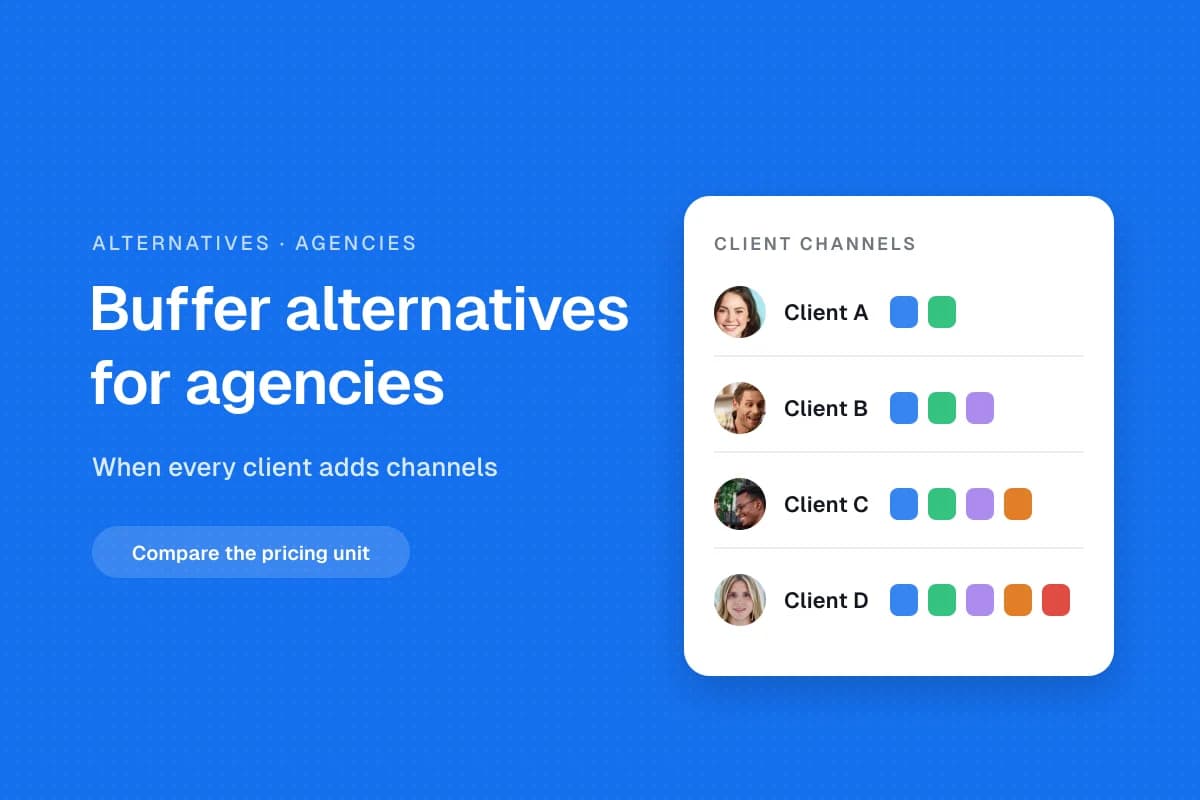
Trade-off: Buffer Free is no answer to Publer's three-account ceiling if you also need more than three channels. Compare the costs for your actual profile count and whether Publer's post-recycling, RSS and bulk workflows are features you use.
3. Metricool for scheduling plus performance analysis
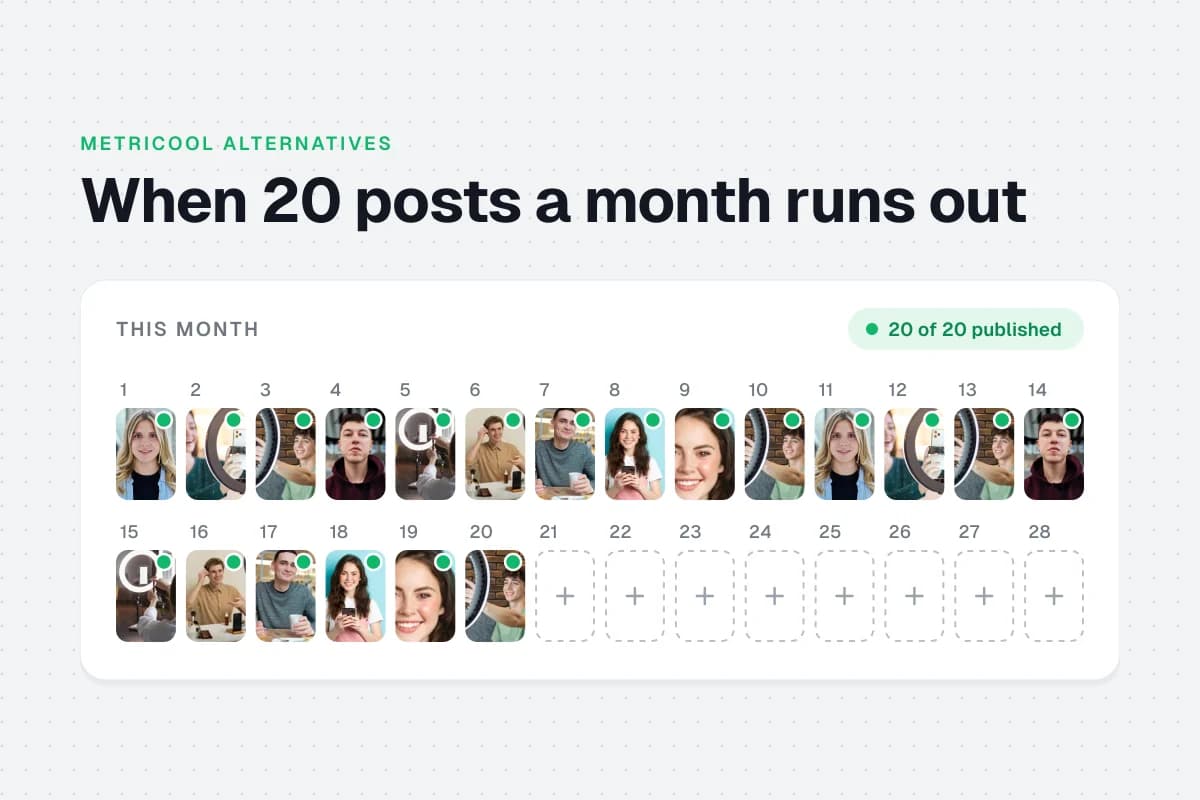
Metricool gives you publishing alongside analytics, competitor tracking and reporting. Its Free plan allows one brand and up to twenty published posts per month, with a limited history of analytics. Metricool's MCP is also available on the Free plan, a detail that matters for readers comparing AI-agent workflows.
This is a different kind of limit from Publer's: Metricool Free restricts monthly published posts, whereas Publer Free restricts how many items are waiting in each account's queue. A creator who posts frequently to several networks should calculate both monthly throughput and scheduling capacity before choosing.
Metricool's paid plans add more brands, deeper data and agency features, though those do not all appear on the entry tier. Read the official Free and paid plan guide for the current details.
Choose it if: You need campaign results, competitor insights or reports alongside your calendar.
Trade-off: If your main goal is simply to build large publishing batches at no cost, Metricool Free's monthly publication quota may be less suitable.
4. SocialBee for categorized, reusable content
SocialBee approaches scheduling through content categories. Rather than filling the calendar with unrelated one-off entries, you can create buckets such as educational tips, testimonials, seasonal offers and evergreen advice. Its category documentation describes evergreen content that cycles through the queue.
That makes it worth comparing with Publer's paid recycling and recurring-post workflows. Content categories can help a small team avoid posting only product promotions while maintaining an intentional mix across the week.
SocialBee has a time-limited free trial, not an ongoing free publishing plan. Its paid plans include a range of social-profile allowances, with more extensive team and approval functionality higher up the product range. The plan you need depends on how many profiles, categories and collaborators you manage.
Choose it if: You have a library of evergreen advice and want a repeatable calendar organized by content type.
Trade-off: It requires a paid subscription for ongoing use. Neither this article nor SocialBee's category system proves that automatic repetition is always appropriate on every network. Review each platform's rules and avoid repetitive spam.
5. Planable for getting content approved before it goes live
Planable is strongest when the publishing problem happens before scheduling: multiple people need to review captions, leave comments or approve final creative work. That makes it especially relevant to agencies and in-house marketing teams.
Planable provides a free starting allowance for the first fifty created posts in total, with no fixed expiry date on that allowance. It is not fifty new free posts every month. The paid model is workspace-oriented; check what the selected plan includes for publishing, approvals, analytics and linked accounts.
Choose it if: Your bottleneck is revisions, sign-off, or keeping client feedback attached to each post.
Trade-off: A finite free-post allowance is different from a permanent free scheduler. Publer may be a better choice if approval is simple and your priority is recurring distribution or low-cost batch publishing.
6. SocialPilot for multiple clients and team workflows
SocialPilot offers scheduling, bulk import on eligible tiers, team management, analytics and client-facing features. Its plan structure is built around a defined number of accounts and user seats, which can be easier to budget for when several clients share a team.
The key point is to compare the tier with the functions you need. An inexpensive entry plan may not include bulk CSV import or client approval. SocialPilot's published feature grid places bulk scheduling in its Standard tier and above, with client approvals and white-label reports available further up.
Choose it if: You manage a real client roster, need collaboration, and want posting and reporting in the same agency-focused product.
Trade-off: No permanent free plan for ongoing team scheduling. Account limits, seats and advanced features depend on the subscription tier, so avoid comparing a higher-tier agency workflow to the price of an entry-level single-user subscription.
7. Later for Instagram-first visual planning
Later makes the most sense when your calendar revolves around images, short video and arranging an attractive Instagram presence. Its visual planning tools, media library, content calendar and supported auto-publishing features can reduce the manual effort of coordinating campaign assets.
Later's entry plan lists a posting allowance per profile per month, not one unlimited pool for every connected channel. Higher tiers increase those limits and add collaboration, analytics and other planning features. That makes its plan structure meaningfully different from Publer's short free queue.
Choose it if: Instagram Reels, carousels and visual campaigns are central to your publishing strategy.
Trade-off: Later's pricing page offers a 14-day trial of its paid plans, and its plan guide also lists a limited Free plan (one Social Set; carousels and Instagram Stories scheduling need a paid plan). The exact networks, post allowances and advanced collaboration features vary by tier; review the official plan comparison before deciding.
Seven alternatives compared side by side
| Tool | Best reason to choose it | Free access | What to check |
|---|---|---|---|
| SolMarrow | Frequent multi-network scheduling, CSV batches, free MCP/API | Ongoing Free plan | One account per network in one free workspace; X costs |
| Buffer | Simple queue and calendar | Ongoing Free plan | Three-channel cap, ten queued per channel |
| Metricool | Analytics and competitor tracking | Ongoing Free plan | Twenty published posts monthly on Free |
| SocialBee | Evergreen categories and repeatable content mix | Time-limited trial | No permanent free tier; category workflow |
| Planable | Reviews and approval workflows | First fifty posts created in total | Workspace cost after trial allowance |
| SocialPilot | Client and agency operations | Time-limited trial | Bulk tools and client approvals require eligible tiers |
| Later | Instagram and visual-first planning | 14-day trial of paid plans; limited Free plan in its plan guide | Per-profile monthly post quotas |
These descriptions are based on official feature and plan documentation, not identical hands-on trials. Check the provider's current pricing before purchasing. Differences in connected accounts, workspaces, seats, storage and monthly publication quotas can matter more than a headline starting price.
How to choose a Publer replacement without losing your workflow
Before switching, answer four questions about your current setup.
How many accounts do you actually need? A creator managing two Instagram profiles has a different problem from one managing Instagram, LinkedIn, Pinterest and Bluesky. Count profiles, not just platform names. SolMarrow Free's one-per-network rule matters here, and Publer Free allows repeated networks within its three-account total.
How far ahead do you schedule? A rolling queue for the next few days may fit Buffer or Publer Free. Preparing an entire monthly calendar makes scheduling capacity more important. For spreadsheet-based production, consider bulk scheduling from a CSV file, and inspect the planned schedule before publishing it.
Does your team reuse content automatically? If evergreen categories, RSS distribution, or automatic recycling are essential, Publer Business and SocialBee deserve serious evaluation. SolMarrow's free bulk upload is useful for large one-time batches, but CSV scheduling should not be described as automatic evergreen recycling.
Who signs off on the posts? If a client must approve the text and creative, evaluate Planable or the relevant agency tiers of SocialPilot. SolMarrow's collaboration and approvals are not included in its Free tier. A low monthly fee is not a bargain if the approval workflow costs your team several hours a week.
A low-risk test is to build one week's real posts, connect only accounts you are authorized to manage, review each network-specific preview, and verify that scheduled items publish successfully. Make sure the candidate's export or import features can handle your existing calendar before you disconnect Publer. Do not assume existing scheduled content transfers automatically.
Frequently asked questions
Is there a completely free alternative to Publer?
Yes. SolMarrow, Buffer and Metricool offer ongoing free plans, with different limits. SolMarrow focuses on free publishing across supported networks, Buffer allows a limited queue on up to three channels, and Metricool combines a monthly post quota with analytics. Publer itself remains free indefinitely within its three-account and queue restrictions.
Can I schedule more than ten posts with Publer Free?
You can publish more than ten posts over time. Publer Free allows ten scheduled posts waiting per account at once. After a post goes live or is deleted, that slot becomes free. The limit does not mean ten published posts per month. See Publer's Free-plan explanation.
Does Publer have an MCP server for AI agents?
Yes. Publer's official MCP guide says its MCP server is available on Business and Enterprise subscriptions. It supports MCP-compatible clients with OAuth or API-key-based setup. SolMarrow includes MCP in Free, and Buffer and Metricool also provide MCP integrations under their own terms.
What is the best Publer alternative for bulk scheduling?
It depends on the batch. SolMarrow is worth considering for free CSV imports and ongoing scheduling. SocialPilot offers bulk tools on eligible paid tiers. SocialBee helps organize content categories for repeatable calendars. If you specifically want automatic evergreen recycling or RSS-driven publishing, Publer's paid plans may still be a better fit than switching.
Is Publer better than SolMarrow for creators with multiple Instagram accounts?
Publer Free can connect more than one Instagram account as part of its three-account allowance, subject to account eligibility. SolMarrow Free allows one Instagram account per workspace, and its Free tier includes only one workspace. If you need multiple Instagram accounts under separate brands, compare paid workspace options rather than treating the account totals as identical.
Pick the workflow, not just the cheapest headline price
Publer is still an excellent candidate for creators who value RSS, batch publishing, evergreen recycling and a well-developed set of scheduling features. Switching only makes sense when a specific limit or missing workflow is costing you time.
If your main frustration is planning many posts for different networks under a free account, try SolMarrow's free scheduler with one real week's content. For a guided process, read how to plan a month of posts in one CSV upload or browse the social media scheduler comparison hub. Choose a paid collaboration tool instead if approvals, advanced reporting or client access are what actually need fixing.