What an AI Social Media Scheduler Actually Does
Learn how AI social media schedulers turn briefs into drafts, approved schedules and verified posts, and where human review still matters.
Guides5 min read
An AI social media scheduler helps turn an idea into a planned post without requiring you to handle every step manually. Depending on the product, it can suggest captions, prepare versions for different networks, and send authorized content to a connected publishing calendar. Drafting, scheduling and confirming publication are different jobs. A useful workflow makes each stage visible.
How AI scheduling works
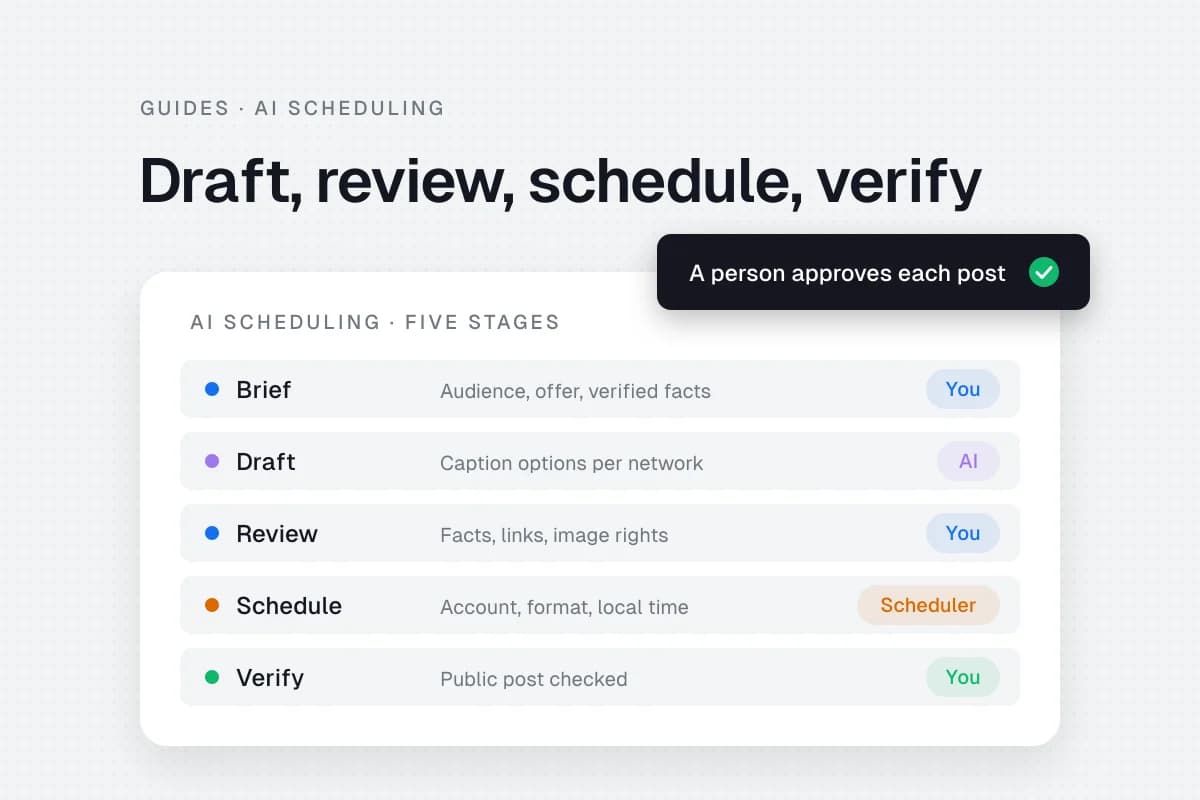
Most workflows follow five stages:
- Brief: Supply the audience, topic, offer, destination account and verified facts.
- Draft: Ask for caption options and platform-specific edits.
- Review: Check claims, tone, links, accessibility and rights to images.
- Schedule: Authorize the publishing service to save the account, format and time.
- Verify: Confirm that the post appeared publicly, then handle any failures.
An AI writing assistant that only produces captions is not necessarily a scheduler. A calendar that accepts manual uploads may be a scheduler without AI. An agent-connected scheduler brings the two together.
What an AI agent adds
A conventional scheduler responds to actions in a calendar. An agent can respond to a request such as “prepare three posts from this article for next week, but don't publish without approval.”
A tool-connected agent may list accounts, create drafts, retrieve scheduled posts and request analytics. Those abilities depend on what the underlying service exposes and what you authorize. An “AI-powered” label does not establish which tools are actually available.
The Model Context Protocol documentation explains how AI applications connect to external tools. In this arrangement, the assistant interprets the request and a connected publishing service performs the network action.
AI scheduling compared with ordinary scheduling
| Task | Traditional scheduler | AI-connected scheduler |
|---|---|---|
| Write captions | Enter or paste them | Assistant can propose drafts |
| Adapt for networks | Usually manual | Assistant can suggest variations |
| Choose times | Select a calendar slot | Agent can propose or request a slot |
| Publish | Connected service sends the post | Same service acts on an authorized tool request |
| Verify | Check status and public post | Agent may read status, but public verification still matters |
| Review sensitive claims | Human responsibility | Still human responsibility |
Neither approach guarantees reach, clicks or engagement. Automating an inaccurate claim makes it easier to repeat, not safer.
Check the exact accounts and formats
Start with the destination network and account type. Support for a network does not prove support for every carousel, video, Story or company page.
Before connecting client accounts, ask:
- Does the tool use official account authorization instead of asking for passwords?
- Can you create drafts without automatically publishing them?
- Can you see the account and timezone for each scheduled post?
- Are approvals available on your plan?
- Can you cancel a scheduled post and revoke access?
- What happens when a connection expires or a post fails?
- Are analytics based on actual network data?
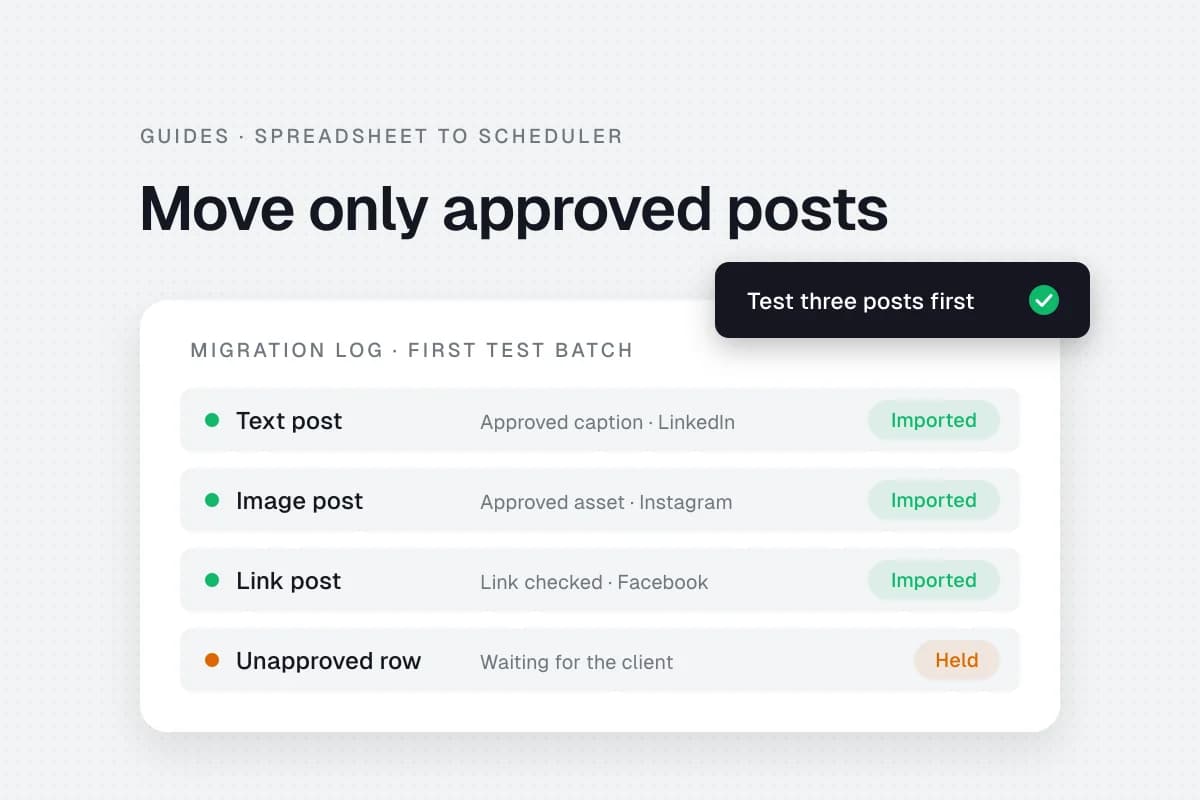
Test one low-risk post before connecting an entire client roster.
A realistic small-business workflow
A bakery wants to announce weekend preorders. Its owner supplies the confirmed pickup hours, approved order link and a photo the business owns. An assistant prepares an Instagram caption and a more detailed Facebook version.
The owner checks the facts and approves both. The scheduler saves Friday morning publishing jobs in the bakery's local timezone. After the scheduled time, the owner checks that the public posts exist and the order link works.
If the pickup deadline changes, the team edits the content and obtains new approval. The agent should never invent an offer or assume a previously approved claim is still accurate.
Connecting an agent through SolMarrow
SolMarrow's AI-agent overview describes a remote MCP server for compatible assistants. The pricing page lists MCP access, scheduling and drafts on the Free plan, which covers one workspace with unlimited posts. Pro, at $10 a month, adds unlimited workspaces, team invites and post approvals.
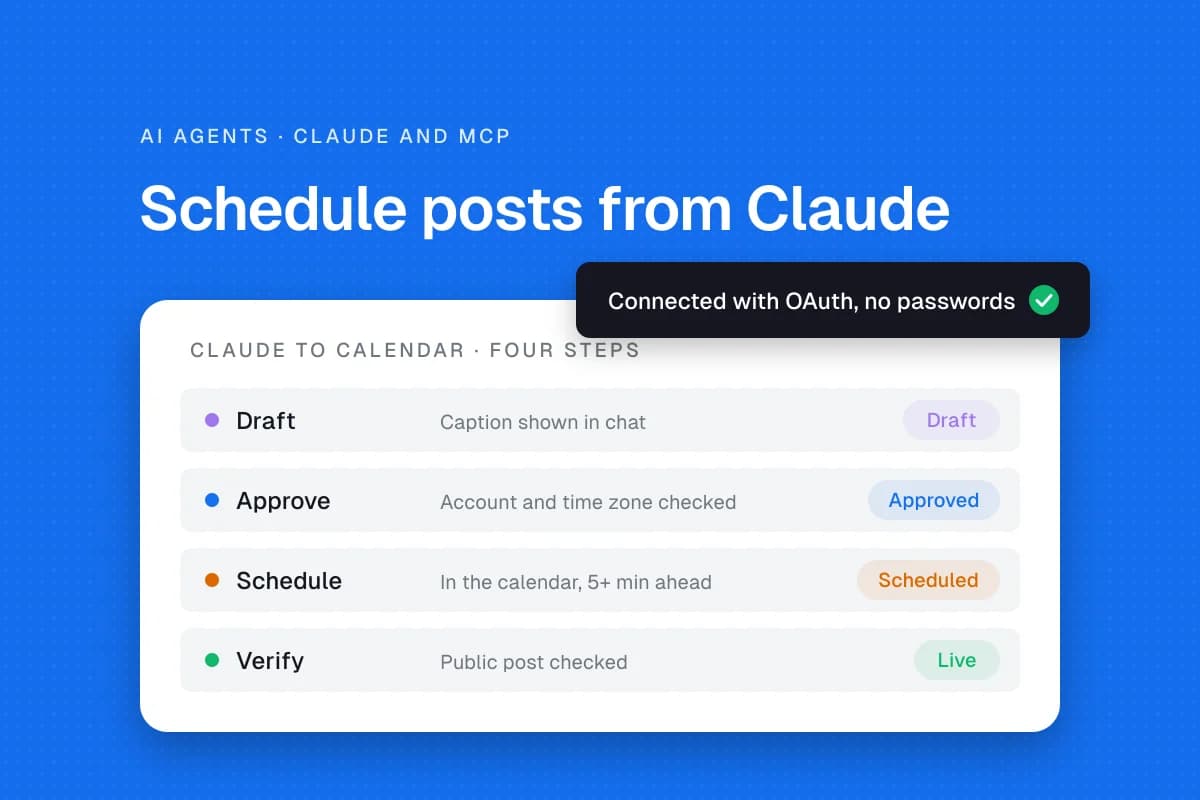
The Claude integration guide provides one setup example: add the remote MCP connector, sign in through the service's authorization screen, inspect connected accounts and create a draft. Each network's limits are checked before anything is scheduled, and posting to X needs X credits or your own X developer key. For the full walkthrough, see how to schedule social media posts with Claude.
An AI assistant should not need your social media passwords. Prefer delegated authorization and revoke access when it is no longer needed.
A seven-step evaluation
- Create one harmless draft for an authorized account.
- Request a version for another supported network.
- Inspect the final preview and correct the copy.
- Schedule it using a named local timezone.
- Check that the job appears in the calendar.
- Verify the actual public post after the scheduled time.
- Test cancellation or a connection failure and document the result.
Record observations from your own test rather than treating a vendor example as proof.
Mistakes that create avoidable problems
Confusing a draft with publication. A creation response can mean only that an item was saved.
Granting broad access immediately. Start with the smallest set of accounts and permissions.
Trusting generated facts. Verify prices, event dates, product claims and testimonials.
Using identical copy everywhere. Adjust format and context for each audience.
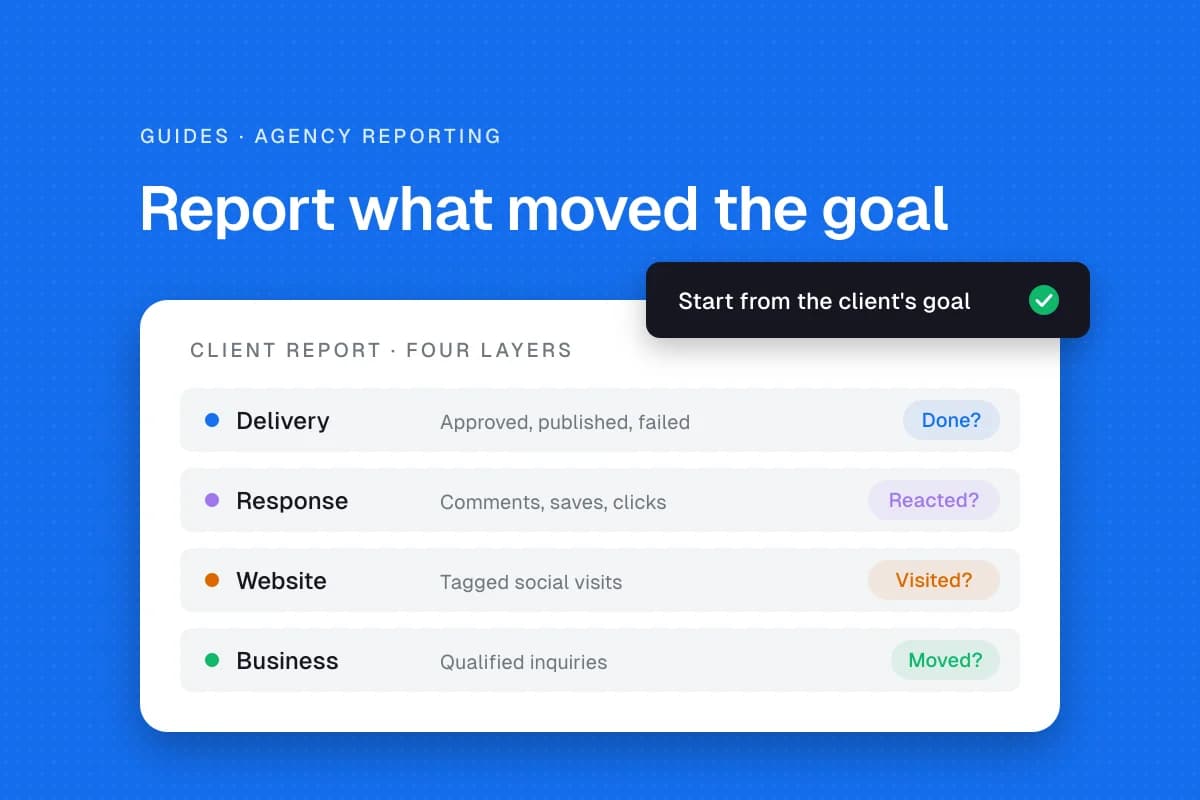
Treating the calendar as a revenue report. Published posts, impressions, clicks and sales are different measurements.
Frequently asked questions
Can an AI scheduler publish automatically?
Some services support authorized automatic publishing. Availability depends on the network, account type, format, permissions and approval process.
Does it replace a social media manager?
It can reduce repetitive drafting and scheduling. Editorial judgment, brand safety, client approvals and campaign decisions still need accountable ownership.
Is MCP the same as a social media API?
No. MCP lets an AI application call structured tools. The scheduler normally uses network APIs for the actual posting action.
How do I measure whether it helps?
Compare preparation time, approval turnaround, publishing failures and published-content quality against your previous workflow.
Sources and further reading
- Model Context Protocol introduction, external tool connections.
- SolMarrow AI agents, official MCP integration overview.
- SolMarrow Claude connector, official setup instructions.
- SolMarrow pricing, official plan and network-charge details.
An AI scheduler is most useful when it makes the process easier to inspect, not when it hides decisions. Start with one post, keep approval explicit and verify what actually goes live.