Social Media Scheduling vs Manual Posting for Small Businesses
Decide when to schedule social media posts and when to post manually. Compare the trade-offs, estimate the time you could save, and try a two-week test.
Guides5 min read
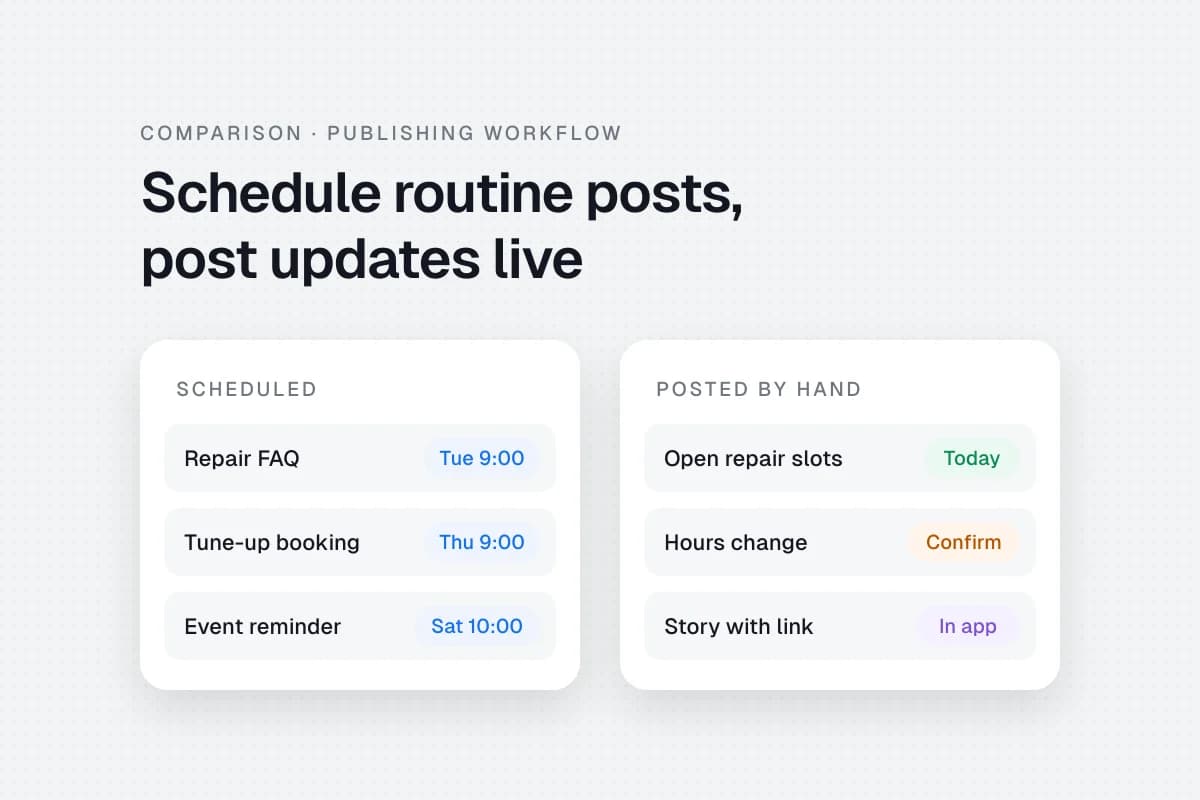
Schedule routine social media posts when the details are settled and your tool can publish the exact format you need. Post manually when the message depends on what just happened or when you need a feature that only works in the app. For many small businesses, that means scheduling recurring posts and keeping same-day updates in the hands of whoever is on duty.
If you’re choosing between a social media scheduler and manual posting, look at what happens on a busy day. An auto-published FAQ can go out while you’re with a customer. A post about a water outage needs someone to confirm which location is affected and when it will reopen.
When each publishing method makes sense
Social media scheduling means preparing a post and choosing when it should go out. You can schedule directly in some social networks or use a tool that brings several accounts into one calendar. Manual posting means someone opens the network and publishes the post at the time it’s needed. A scheduled reminder fits between the two. The draft is ready ahead of time and someone still completes the final step on their phone.
| What you need to publish | Start with | What to check |
|---|---|---|
| A recurring FAQ or a booking link that stays the same | Automatic scheduling | Confirm the link, destination account and time zone. |
| An event announcement with confirmed details | Automatic scheduling | Give someone ownership of date changes and cancellations. |
| A same-day stock update or a change in opening hours | Manual posting | Confirm the current details and review any queued posts that refer to them. |
| A prepared post that needs an in-app feature | A reminder or a manual calendar entry | Name the person who will finish the post and confirm it went live. |
One account with occasional posts may be easy to run directly in its own app. A shared calendar becomes more useful when you’re copying the same assets between accounts, coordinating approvals, or stepping away from work during the hours your posts tend to go out.
Check the account and format before you schedule
“Supports Instagram” tells you little about whether your particular Story will publish automatically. Check the combination of account type, post format and the features your post needs. Buffer, for example, documents a notification workflow for Instagram Stories that need a link. Someone still has to open Instagram and finish publishing. Buffer’s Instagram publishing guide
The same distinction applies to personal profiles and company pages. LinkedIn lets eligible Page admins schedule supported Page posts in LinkedIn. SolMarrow lists automatic scheduling for LinkedIn personal profiles and marks LinkedIn Pages as coming soon. A business posting mainly to its company page can start with LinkedIn’s native scheduler for eligible formats. LinkedIn Page scheduling help and SolMarrow’s supported networks
Think through what happens after you click Schedule. Someone should know where to check the public post, how to catch a failed send, and who can remove a queued message if the details change. If a post appears to have failed, check the destination account before retrying so you don’t send it twice.
Estimate how much time scheduling could save
Count the work that changes. Writing captions and taking photos takes time either way. Time the repeat work around publishing, such as opening accounts, uploading files, checking links and confirming that the post is visible. For scheduling, also count queue setup, checking what went out and any reminders you still need to finish.
Here’s a hypothetical month for a neighborhood bike shop with eight routine posts. Use the same calculation with times from your own log.
- Manual publishing: 8 posts × 6 minutes each = 48 minutes.
- Scheduling: 22 minutes to queue posts + 12 minutes to check them = 34 minutes.
- Time difference: 14 minutes saved in a typical month under these assumptions. Add a one-time setup of 20 minutes and the first month takes 6 minutes longer.
Include any subscription cost or per-post fee before deciding whether a tool is worth it. Time saved is only part of the decision.
Track the interruptions, too. Having to stop work at a specific time can matter more than the minutes spent tapping Publish. A method that fits around customer appointments may be worth keeping even if the stopwatch barely moves.
Try a two-week mix with posts you already make
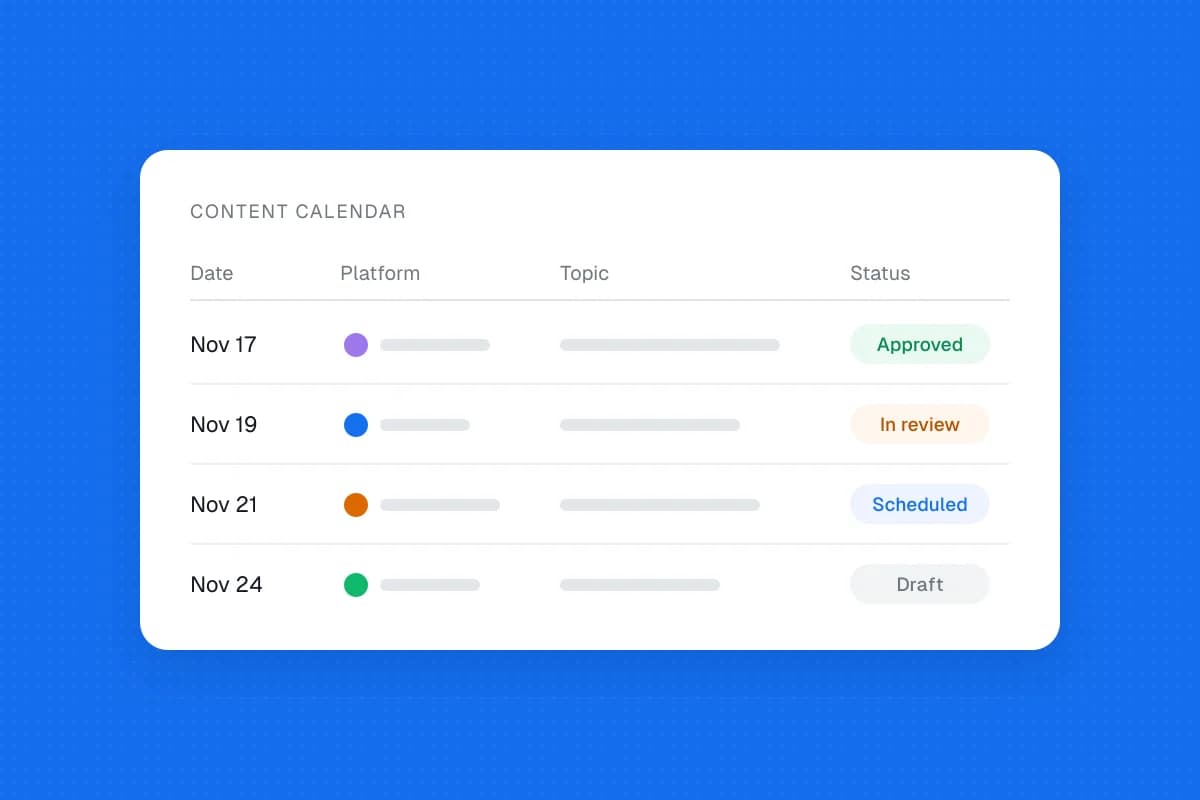
- Pick one account and a small set of routine posts. A bike shop could start with a repair FAQ and a reminder about how to book a tune-up. Use the small-business content calendar template if you need a place to track the plan.
- Schedule the posts whose details are settled. Check the account, time zone, link, media and preview. Give one person responsibility for changes and failed posts.
- Give same-day updates a manual slot. The shop can keep a caption draft for open repair appointments and fill in the availability after checking the service desk. If no appointments are open, skip the post.
- Review the two weeks. Compare publishing time, missed or duplicate posts and interruptions. Keep captions and formats broadly comparable if you also track clicks or inquiries. Two weeks can tell you whether the workflow fits your team. Judging reach usually takes more comparable posts.
If you already post to both a Facebook Page and a professional Instagram account, SolMarrow’s calendar is one way to plan eligible posts for both. Start with a routine post and check the destination account after it goes out. SolMarrow scheduling quick start
Frequently asked questions
Do I need a paid scheduler for one account?
Usually, you can start with the network’s own scheduler if it supports your format. Consider a separate tool when switching between accounts, reviewing drafts or checking what went live takes enough time to justify a different workflow.
Will manually posting get me more reach?
Publishing method alone is a poor basis for predicting reach. Compare similar posts on the same account and track something your business values, such as booking clicks or inquiries. A busy week or an unusually strong photo can change the results regardless of how you published.
What should I keep posting manually?
Keep last-minute changes, stock updates and posts that need an unavailable in-app feature on your manual list. Put a name next to each one. A reminder is only useful if somebody can act on it.