How Often Should a Small Business Post on Social Media?
How often should a small business post on social media? Get a practical weekly schedule for Instagram, Facebook, LinkedIn and more, with tips for adjusting it.
Guides7 min read
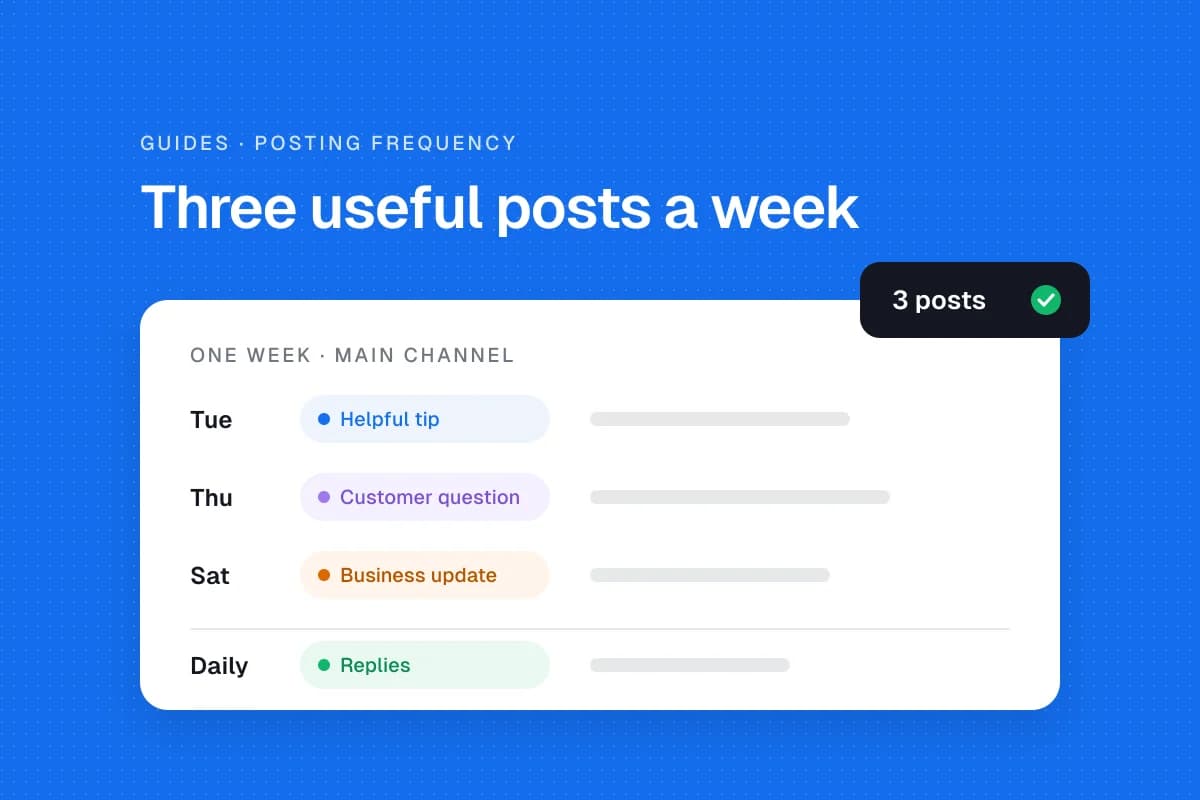
A small business does not need to publish every day to have a useful social media presence. Start with a schedule you can maintain, usually two or three helpful posts each week on your main channel, then adjust based on the people you want to reach and the results you see. There is no universal posting quota that guarantees growth.
The right answer depends on the platform, your customers, your available content and how much time you can spend responding after publication. A restaurant sharing daily specials has different needs from an accountant who publishes practical advice twice a week.
A realistic starting schedule
Use these ranges as planning examples, not rules from the platforms or promises of reach.
| Channel | Practical starting point | What to share |
|---|---|---|
| 2–3 feed posts a week | Useful photos, short demonstrations, customer questions | |
| 2–3 posts a week | Community updates, offers, helpful information | |
| 1–3 posts a week | Professional advice, case examples, lessons | |
| TikTok | 1–2 videos a week if video fits your business | Demonstrations, quick answers, behind-the-scenes |
| Google Business Profile | About one update every week or two when relevant | Current offers, events, important business news |
These are deliberately manageable starting points for a small team. Hootsuite's 2026 guide suggests higher activity for some networks, while University of Missouri Extension's small-business guidance emphasizes that one useful post can be more valuable than several weak ones. Different recommendations reflect different audiences and goals. The useful question is not 'What number does the algorithm want?' but 'What can we publish consistently that customers will appreciate?'
Why posting frequency matters, but not in isolation
Publishing regularly gives followers more opportunities to see helpful information and gives your team a rhythm for producing it. A calendar can also prevent long gaps caused by busy periods.
But frequency alone does not make a post useful. A plumbing business might help customers more with a clear guide to shutting off a leaking pipe than with five generic promotional graphics. A florist may have more to share around Valentine's Day than in an ordinary week.
Measure the value of the content, not just how full the calendar looks. Relevant inquiries, website visits, saves, replies and actual bookings can be more useful than raw post counts.
Start with your customers, not every platform
First, decide where customers already spend time. A local bakery may get more value from Instagram and Facebook than LinkedIn. A business-to-business consultant may find LinkedIn a better place to answer prospective clients' questions.
Trying to maintain five channels with one person often leads to rushed captions and repeated posts that do not suit the audience. Pick one primary channel and, if you have the capacity, one secondary channel.
Write down three customer questions you hear repeatedly. Those questions are the beginning of your content plan. For example, a home-cleaning company might explain how to prepare for a first appointment, what is included in a standard clean and how to care for a particular surface.
Build a simple weekly posting routine
You can make a useful calendar without a complicated system.
- Choose three themes. Try one helpful tip, one customer question and one timely business update.
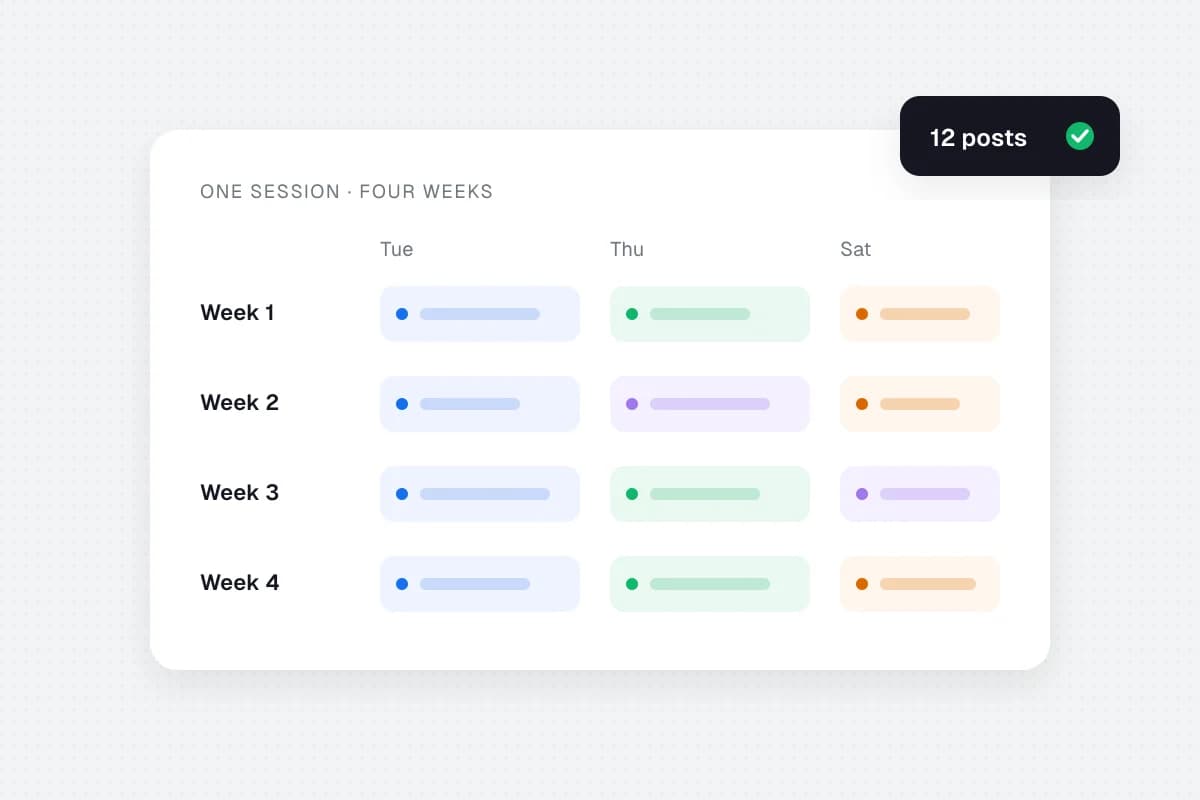
- Assign days. For example, Tuesday for a practical tip, Thursday for a short explanation and Saturday for a behind-the-scenes moment.
- Prepare content together. Draft captions and choose images in one session. Confirm names, prices, availability and image permissions.
- Adapt for each channel. A LinkedIn explanation may need more context than an Instagram caption. Do not assume identical formatting works everywhere.
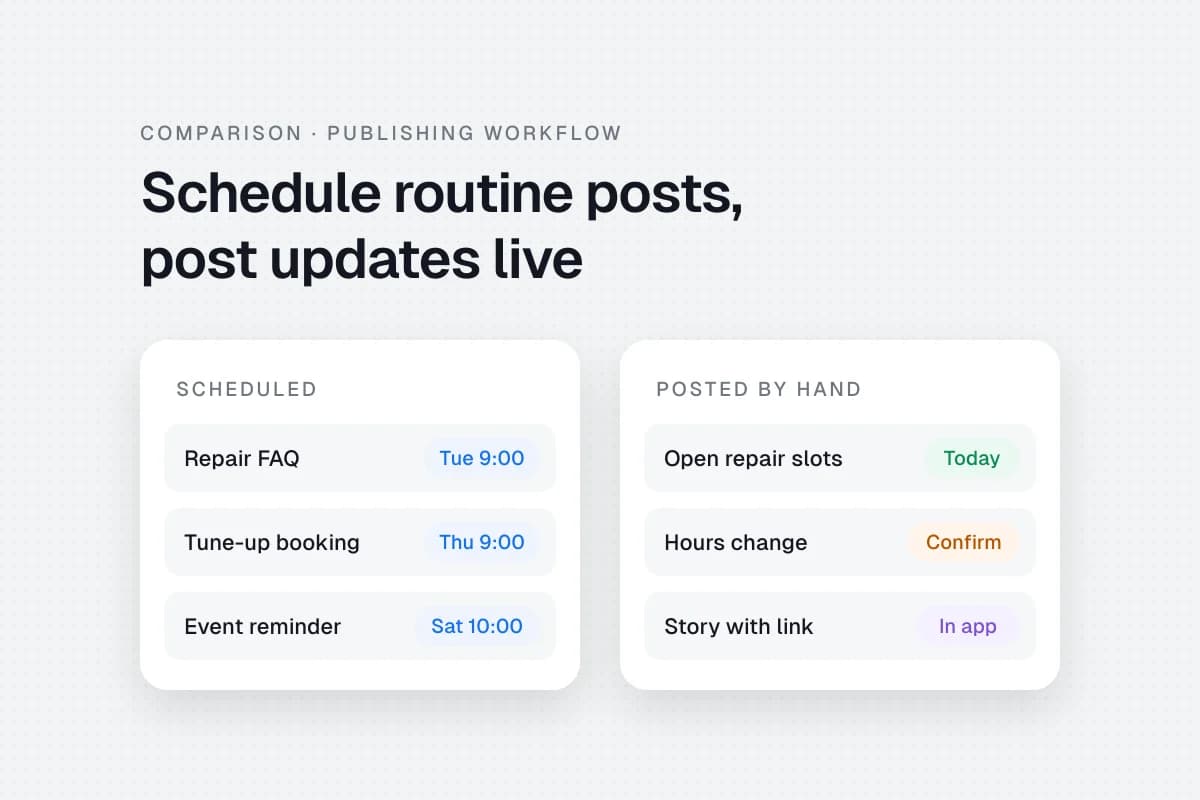
- Schedule predictable posts. Use a native scheduler or another tool only where it saves time. Leave room for spontaneous announcements.
- Check publication and replies. A queued post still needs someone to monitor comments, messages and failed publishing attempts.
- Review once a week. Keep the topics that generate meaningful customer interest and change the ones that do not.
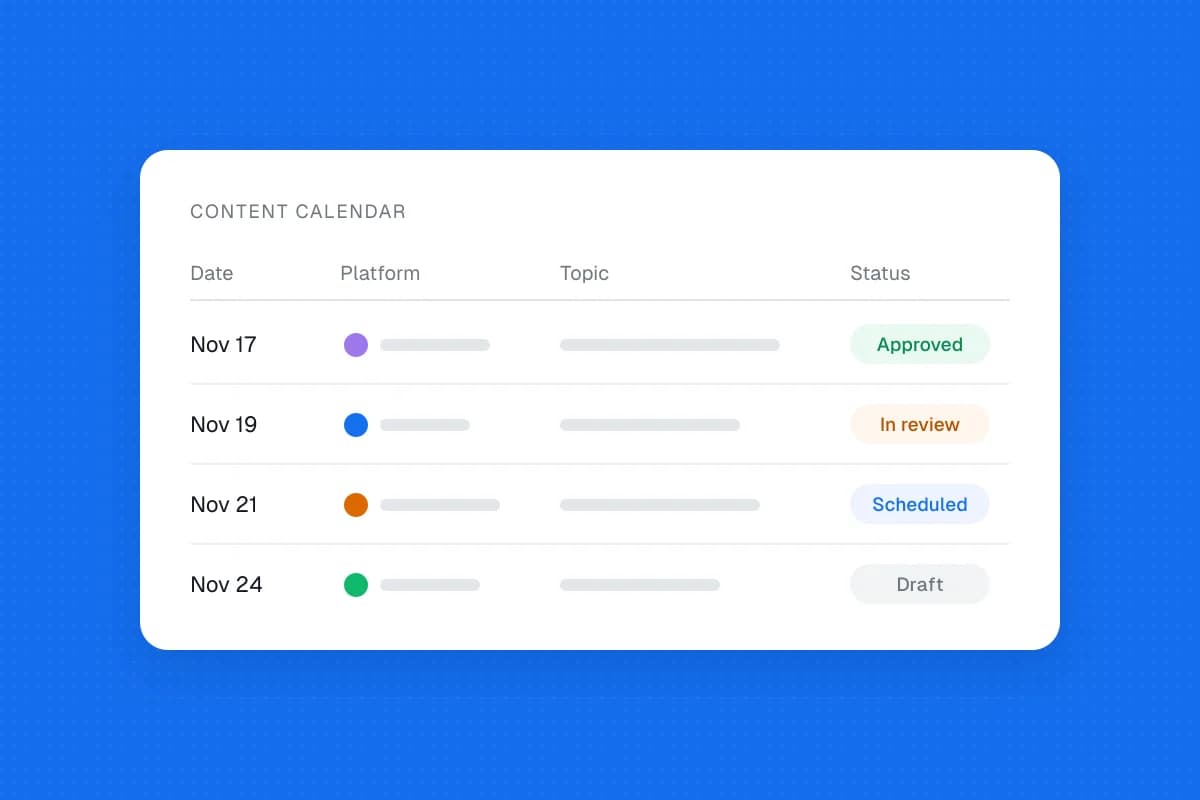
A 30-day content planning guide can help you collect ideas before you build the weekly schedule. You can also start with a content calendar template.
How to know whether you are posting too little
If your accounts go quiet for weeks, customers may have difficulty finding current information about your business. Before increasing your posting target, ask whether the problem is time, lack of ideas or an unclear approval process.
Try adding one repeatable content format, such as a weekly answer to a common question. You do not need to create something completely new for every post. A useful article, tutorial or customer question can provide several distinct, relevant social updates.
Do not increase frequency just because a competitor posts more. Their staffing, audience and marketing goals may be different.
How to know whether you are posting too much
If your team is rushing, recycling irrelevant messages or missing customer replies, the schedule may be too demanding. A higher post count is not worthwhile when accuracy and service suffer.
Look for declining relevance rather than treating every dip in reach as proof of overposting. Platform distribution changes for many reasons. Compare similar content over several weeks before drawing conclusions.
A simple monthly review might ask:
- Which posts led to useful conversations or inquiries?
- Which questions do customers still ask?
- How much time did content preparation and publishing require?
- Were there mistakes, missed posts or unanswered comments?
- Could fewer, better posts produce the same or better outcomes?
A practical example for a local service business
Imagine a small landscaping company with one person handling marketing. It chooses Facebook as its primary channel and Instagram as a secondary channel.
On Tuesday, it publishes a seasonal lawn-care tip. On Thursday, it answers a common customer question about maintenance. On Saturday, it shares an approved before-and-after image with a useful explanation of the work.
That is three posts a week, not three posts every day. The company checks messages daily and adds timely updates when weather or availability changes. After a month, it reviews inquiries and customer conversations to decide whether to maintain or adjust the schedule.
The example is illustrative, not a claim about actual business results.
Should you use a social media scheduler?
A scheduler can help you prepare content ahead of time and avoid publishing everything manually. But scheduling does not replace content planning, human review or customer engagement. If you're unsure which posts belong in a queue, see social media scheduling vs manual posting.
Start with the free native tools offered by your existing platforms. If you need a shared calendar across several accounts, compare available products, their current supported networks and any limitations before subscribing. SolMarrow is one option to evaluate: its free plan includes one workspace with unlimited posts, a calendar, drafts and CSV upload, with one account per network. Some networks still wait for platform approval, so check the supported networks before you plan around one.
Frequently asked questions
Is posting every day necessary for a small business?
No. Daily posting may suit businesses with frequent relevant updates, but a smaller consistent schedule can work better when staff time and useful content are limited.
Is three times a week enough?
Three useful posts a week is a reasonable starting experiment for many small businesses. Measure customer response and adjust rather than treating it as a fixed industry standard.
What time should a small business post?
Start with times when your customers are likely to be available, then compare results from your own account. There is no single best hour for every audience.
Should I publish the same post on every platform?
Reuse the underlying idea when relevant, but adapt the caption, format and call to action to each platform and audience.
What matters more, frequency or quality?
Both matter, but increasing frequency at the expense of relevance, accuracy or customer replies is unlikely to be a useful long-term strategy.
A schedule you can actually keep
Choose one main platform, publish a few useful posts each week, leave space for timely updates and review customer outcomes monthly. Once the routine feels sustainable, experiment with a different format or one additional weekly post. A good schedule serves the business and its customers, not a number on a spreadsheet.