How to Plan 30 Days of Social Media Content in One Session
Plan 30 days of social media content in one focused session with a realistic posting schedule, twelve-post example, calendar fields and review checklist.
Planning9 min read
A month of social media content doesn't have to mean 30 new posts. For a small business, a realistic 30-day plan might contain twelve well-prepared posts, a few optional stories and room for timely customer questions. The goal is to make decisions in advance without filling your feed with material nobody needs.
To plan 30 days of social media content in one session, choose a business goal, decide on a manageable posting frequency, collect ideas from real customer questions, fill a calendar with weekly themes, draft posts in batches and approve the finished schedule. You can use a spreadsheet, Notion or a scheduling workspace. The same method works even if you publish only twice a week.
Decide what the month should accomplish
Begin with one useful business outcome. A bakery might want more preorders. A service business might want qualified booking inquiries. A B2B software company might want relevant visitors to a product page. Those goals produce different calendars.
Write down the audience, the problem your business solves and the next step a reader can take. Then pick a measure you can observe, such as website link clicks, inquiries or completed bookings. Reach and likes can provide context, but they don't prove a post created business value.
Before brainstorming, ask: Which questions do customers repeatedly ask? What mistakes can we help them avoid? What proof can we share with permission? What information would make a purchase or booking easier?
If you have no analytics, start with actual customer conversations. Don't invent audience preferences or publish made-up case studies to fill the calendar.
Choose a pace your team can maintain
Posting every day isn't a requirement for a monthly plan. Start with the number of useful posts you can write, review and publish consistently.
| Team capacity | Starting frequency | Approximate 30-day feed posts |
|---|---|---|
| Busy solo owner | 2 per week | 8–9 |
| Owner and part-time helper | 3 per week | 12–13 |
| Small marketing team | 4 per week | 16–18 |
| Team with a repeatable production process | 5 per week | 20–22 |
These are illustrative planning options, not algorithm rules or promised performance levels. Choose the right channels based on where your customers are, and leave time to answer comments and messages.
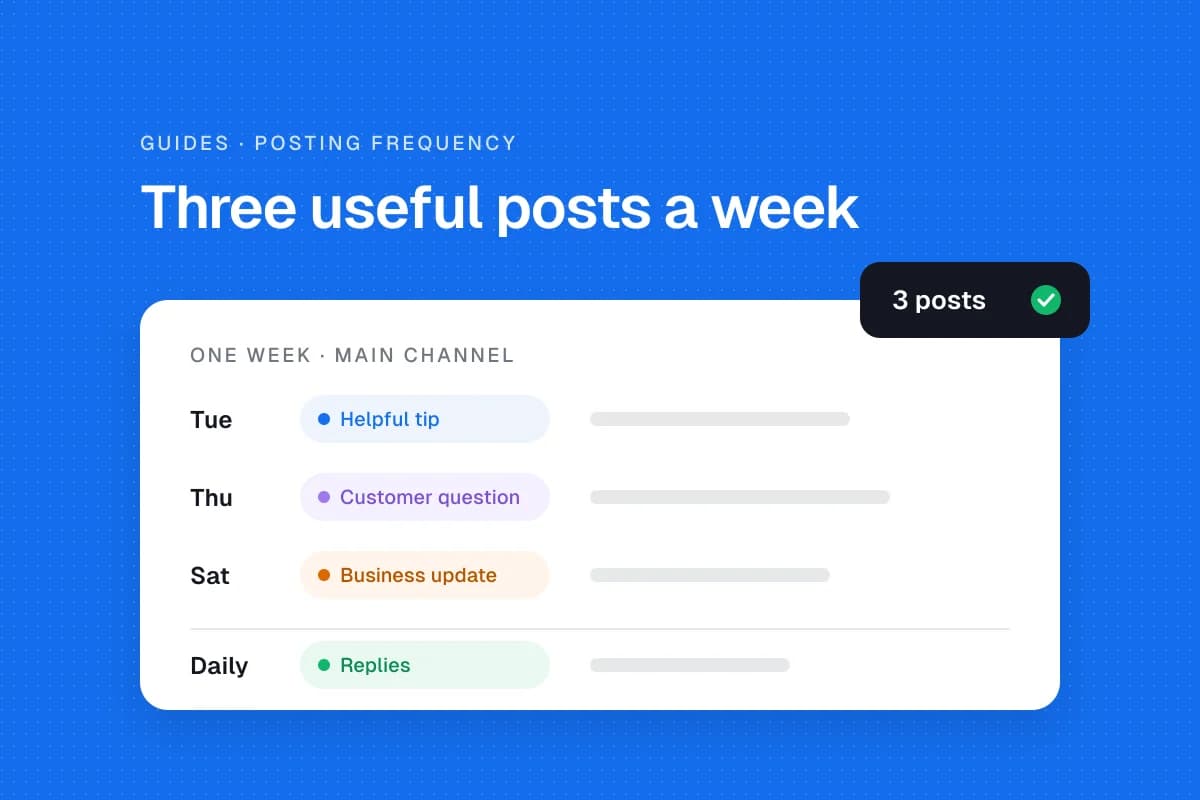
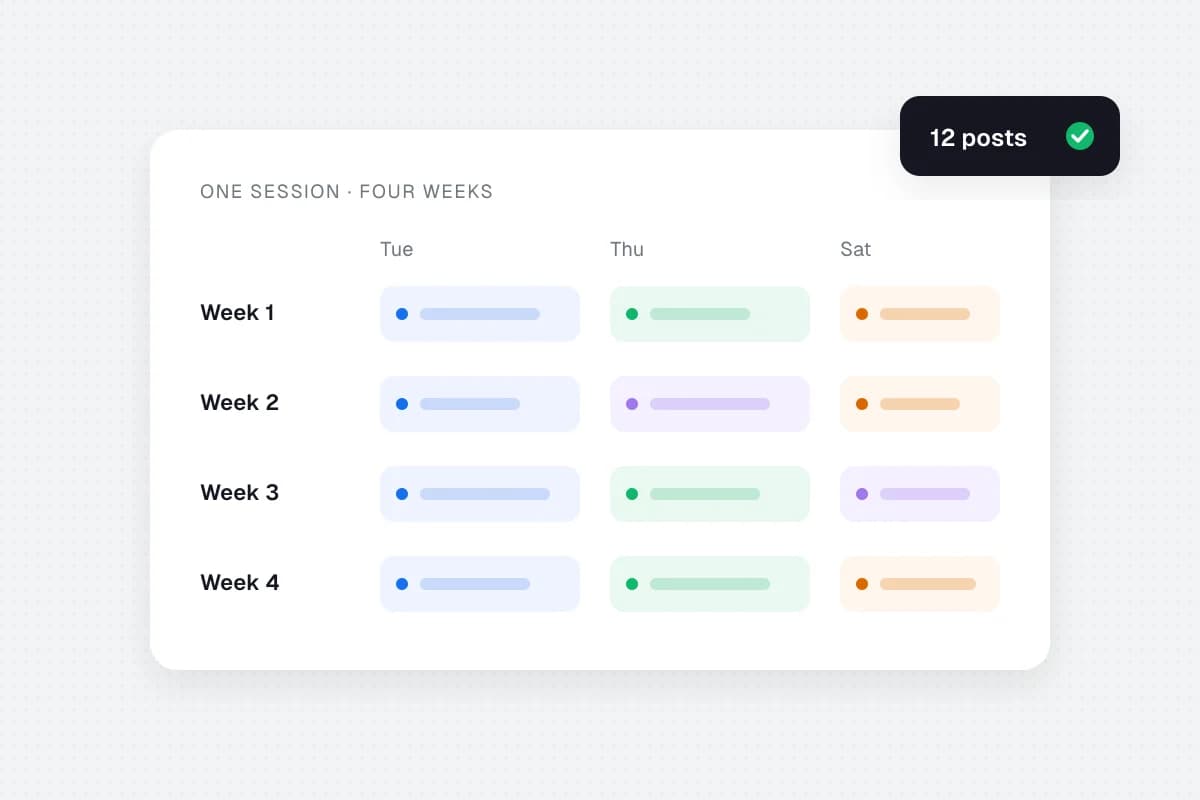
Our example uses three posts a week, spread across four weeks. That gives us twelve core posts rather than thirty filler posts.
Collect content ideas from work you already do
Before opening a blank calendar, make an idea bank. Look through your FAQ, customer support inbox, recent sales questions, existing guides, service explanations and approved project photos. Collect more ideas than you need so you can reject weak ones.
Sort the ideas into four content pillars:
- Teach: Answer a customer question or explain a small task.
- Show: Give a real behind-the-scenes look at how the work happens.
- Prove: Share a verified example or customer-approved testimonial.
- Invite: Explain a service, event, offer or useful next step.
A local repair business might collect topics such as preparing for an appointment, signs a device needs attention, what affects a quote, what technicians check and how to book. A consulting business can use the same pillars with client questions and process explanations.
Don't use a testimonial, customer photograph or private conversation without appropriate permission. If a topic needs evidence you don't have, choose another one.
Plan the month in a focused two-hour session
The timings below are a suggested planning exercise, not a measured guarantee. Producing video, obtaining approvals and handling complex campaigns may require extra sessions.
Step 1. Set your boundaries (10 minutes)
Choose the month, target audience, one primary goal, one or two networks and three publishing days per week. Check launches, holidays, operating hours and other dates that might change what you publish.
Step 2. Gather ideas and assets (20 minutes)
Write down fifteen to twenty possible post topics. Gather existing approved photos, product pages and helpful resources. Remove unsupported claims and ideas that depend on media you cannot produce.
Step 3. Give each week a theme (15 minutes)
For example, use week one for common questions, week two for your process, week three for examples and week four for useful next steps. Themes help the month feel coherent without making every post sound identical.
Step 4. Fill twelve calendar slots (25 minutes)
Assign a topic, content pillar, platform, format and call to action to each slot. Spread promotional content across the month and place time-sensitive messages near their real deadlines.
Step 5. Batch captions and creative briefs (35 minutes)
Write all the educational captions together, then process explanations, then invitations. Start each caption with a concrete point and give readers a useful answer. Add a brief for any missing photo or video with an owner and deadline. Don't mark unfinished creative as approved.
Step 6. Review and schedule (15 minutes)
Check names, links, prices, dates, media permissions, account selection and timezones. Get approval from the right person. Schedule only posts that are accurate and ready. If a platform requires manual publishing for a particular format, record that step instead of assuming automation will handle it.
This example adds up to two hours. The result is a reviewed plan; it may not include finished production of every asset.
Example of a four-week social media calendar
Here is a sample for a small local service business publishing on Tuesday, Thursday and Saturday. Replace each prompt with actual customer questions and verified information.
| Week | Tuesday: helpful answer | Thursday: process or proof | Saturday: action or conversation |
|---|---|---|---|
| 1 | What to prepare before your first appointment | Show a genuine preparation step | Explain how to request a quote |
| 2 | A common maintenance mistake to avoid | Introduce a team member with permission | Answer a question about booking |
| 3 | Explain what affects a service estimate | Walk through a documented quality check | Invite followers to ask a practical question |
| 4 | Share a useful seasonal tip | Show an approved project example | Explain next month's appointment options |
Don't treat these prompts as finished posts. For example, a pricing explanation should describe your real pricing factors, not an invented fixed fee. An approved project example should be real, accurately described and used with consent.
If your business produces educational articles, one article can become a short visual checklist, a video explanation and a professional-network post. Adapt each format to the audience instead of posting identical text everywhere.
Copy these calendar fields
Use one row per post. A calendar is only useful when a colleague can tell what's ready, what's missing and who owns the next step.
| Field | Example or purpose |
|---|---|
| Publish date | November 17, 2026 |
| Time and timezone | 10:00 AM America/New_York |
| Platform and format | Instagram photo post |
| Pillar | Teach |
| Topic and hook | What to prepare before an appointment |
| Caption and CTA | Approved explanation and booking-guide link |
| Asset link | Approved media file |
| Owner and reviewer | Named staff members |
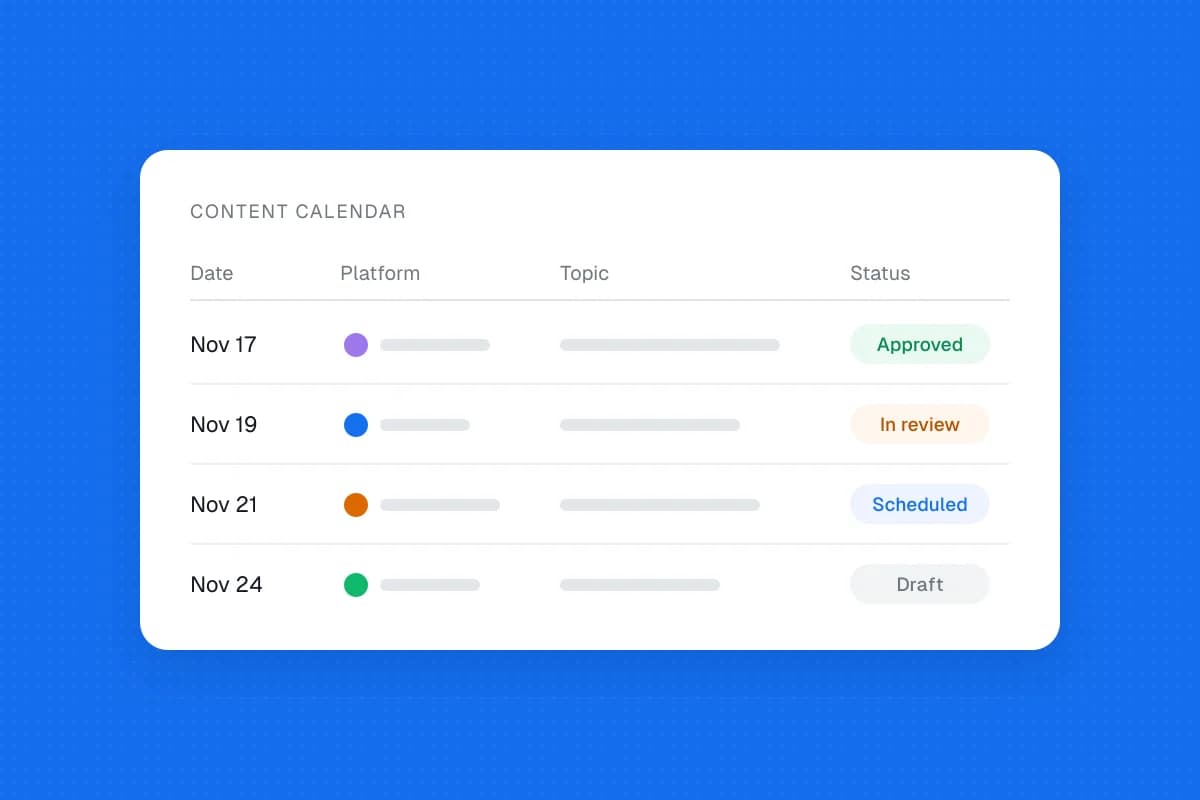
| Status | Idea, Draft, In Review, Approved, Scheduled, Published |
| Result | Relevant clicks, inquiries or other observed outcome |
Copy this header row into Google Sheets, Excel or Notion:
Date | Timezone | Network | Format | Pillar | Topic | Hook | Caption | Asset | CTA | Owner | Reviewer | Status | Result
If you manage multiple clients or brands, add a Brand column and keep each account's approval and timezone clear. A shared overview should never make it easy to publish a client's draft to the wrong account.
Write captions that answer something
A vague announcement such as “Exciting things are coming” doesn't help someone make a decision. Explain what is happening, who it is for, when it matters and what the reader can do next.
A simple caption pattern is: useful opening, concrete answer, relevant example and one sensible next step. Keep the tone natural and make the caption understandable without relying entirely on the image. Add meaningful alt text to informative images when the platform supports it.
Review every claim. Don't present a fabricated customer outcome as proof. Check that links open the intended page, not just the company homepage. If an offer or price can change, verify it again near publication.
Adapt posts to each platform
One idea can work across several networks, but its execution may need to change. A short professional explanation may fit LinkedIn. A visual checklist may fit Instagram. A community question may fit Facebook. Start with the audience's needs, then use formats that the account and publishing method actually support.
Platform permissions, media requirements and available scheduling features change. Verify the current supported channels and post types before building your plan around automatic publication. Don't promise that every interactive format can be scheduled from a third-party tool.
Check what happens after scheduling
A queue is not a guarantee that a post went live. During the month, confirm actual publication and watch for failed posts, broken links and outdated offers. Leave some calendar space open for customer questions and urgent updates.
At the end of the month, review the topics that led to useful outcomes. Compare the pillar, format and customer action for each post. If practical tips brought relevant visits, answer another related question next month. If promotional posts drew little interest, reconsider the offer and message before simply posting more often.
You don't need a perfect calendar. You need one that your team can use, verify and improve.
Frequently asked questions
Do I have to publish 30 posts in a 30-day plan?
No. A 30-day plan covers the month, not necessarily every day. Twelve useful posts can be a complete plan for a business posting three times a week.
Can I write all captions in one sitting?
You can batch first drafts. Final approval, new visuals, product updates and customer permissions may take longer, so keep a separate review step.
How far ahead should I schedule posts?
Plan the month, but schedule only approved posts whose details are stable. Keep limited-stock offers, breaking news and other time-sensitive messages flexible.
What if I don't know what to post?
Start with ten questions customers ask before buying. Turn the clearest questions into short helpful explanations and add a relevant next step.
How do I know the calendar worked?
Review meaningful outcomes, such as qualified inquiries, relevant link clicks or bookings where you can measure them. Don't assume follower growth alone means the plan succeeded.
Make next month's plan easier
Start with one goal, three posting days per week and four content pillars. Fill your first twelve slots with real questions, then review them before scheduling. If you plan in a spreadsheet, you can upload the whole month to SolMarrow as one CSV file. Its free plan includes the calendar, drafts and CSV upload with one account per network, so check that the networks you need are open before you plan around them.
Sources and further reading
- Sprout Social's 2026 social media calendar template explains the role of a shared calendar in coordinating content and business goals.
- Social9's 30-day planning guide, October 14, 2026 discusses content pillars, approval and monthly review.
- SocialKit's social media calendar template, May 20, 2026 illustrates practical spreadsheet fields.
- SolMarrow pricing lists the current plans and what each includes.